Carol-Ann R.
I really like your Actions! I have a better Workflow And results with it :)
Coman A.
Thank you! This actions are awesome, easy to use and make my editing flow so much easier! I’m in LOVE with them! :)
pooja k.
great experince with lsp
kriti a.
I've been using LSP actions since the day I started doing Baby & Maternity photography.
If not for these actions, I would be lost or outsourcing my edits for sure!
Eva S.
Very helpful in improving my skills in photoshop. I enjoy to experiment with the actions and I am happy to see the results!
Thais F.
I just started using my new actions and there is still so much more I have to explore but so far I’m beyond impressed!! These actions are totally worth the investment. My editing has become so much better and way faster. I’m able to get images to my clients way faster than before. Super grateful for these actions. I’ll definitely be coming back for more soon. They are also very intuitive, very easy to figure them out and when and where to use them. Incredible honesty. So impressed
Dottie P.
I absolutely love LSP actions!! I now have them all and they are always my go to actions. So easy to use and beautiful. Perfect for any scenario. Don't know how I ever made it before LSP.
Francesca V.
Wow....merci d'avoir créé toutes ces actions plus merveilleuses les unes que les autres.....j'ai hate de pouvoir utiliser le code promo pour en acheter d'autres....je suis plus que fan...merci
Nadine S.
Easy to use. Wonderful results, no maternity Session without it
Sirisha D.
As all LSP actions sets, this one too is wonderful. Love the fabric smooth paint action.
Ashley D.
Love all LSP has to offer!
Jamie H.
Fantastic brushes! I just love LSP, this is my 4th bundle I think and I wouldn't be anywhere without it!
Thulisile N.
Amazing actions
Diane C.
Love LSP, so easy to use and very helpful
Melinda A.
ABSOLUTELY Obsessed with the LSP actions! They are fantastic for newborn and studio maternity. Can't wait to check out some of the other collections!
Dascalu L.
I really love how it reduce my time for editing.
diana s.
I love the simplicity of having this action set. I love that all my images will stay consistent. The portrait skin is AMAZING!
Tânia M.
Top! Top! Thank you
Eric B.
It makes my editing flow sooo much easier! I really love LSP actions
Natalie S.
I use LSP actions with all of my photography editing work flow, so easy to use.
Leigh P.
I love LSP actions. They're easy to use, great online videos to help tweek my editing flow. Here I have used the Maternity action set as well as Texture background bundle.
Pamela W.
I made mistakes, but it was not as hard as I thought it would be to go back and correct. I am glad I made the mistakes because that way I know I am learning new things, pushing myself out of my comfort zone. I still have room to grow. Thank you for the lesson.
Jeffrey K.
Helped me not only speedup my workflow but simultaneously gave me infinite creative possibilities I did't even know about! Love love love these actions!
Samantha A.
Can’t believe how effortless this made my editing process.
Definitely recommend getting this - it’s well worth the money and will save you bundles of time editing.
zane m.
I love the ACTIONS. It saves me up so much time. There are more companies selling these, but allways had a scam feeling with them. But with LSP I just had the feeling it was right. So happy I did it! This was my first time using it. I'm going to buy more packages soon. Thank you LSP!
CLAIRE V.
Incredible set of actions to save a lot of time and to improve editing process & results ! Love it !!
Christina L.
I just LOVE these actions and textures. Super easy to install and bring to much ease to editing! I would highly recommend LSP actions to any photographer!
Yanitza G.
I love Lsp actions! They job is easy and fast now! And also the photos seems more professional. Thank you !!
Meenakshi g.
Loved them.. so quick and easy to work with !! took me literally 5 min to edit this image and 1 hr for the whole gallery which otherwise would have taken more than 4-5 hrs.
Edna H.
To date, with the photos that I have experimented with using your actions have been a breath of fresh air. I am looking forward to my next maternity and newborn sessions implementing them. LOVE the floor fade and and the fix it actions! The best actions I have used to date.
Maryna V.
The new editing tools are incredible! thank you so much it saves me so much time and it is super easy to work with...i am still perfecting it and getting used to where to find things because i have so many but i will get there...thank you for these incredible editing tools...
Francois d.
That bundle is incredible ! Can be use for more that just maternity !
Love It !
ROMINA G.
Best actions ever
Oshey V.
Such wonderful actions!!
Soheila T.
This is a great job, I am so happy with this editor.
Iriana CH U.
I am in love super simple and fast when editing I loved it.
Su A.
Really love the actions
Samantha N.
I have just purchased the maternity action set and I absolutely love it! Made skin editing so much easier and quicker! There are some great features on this set, big thumbs up!
Elena L.
Sooo grateful for this action pack!!!
Fatema H.
My maternity edits have a next level look... Thank you soo much Lauren ❤️
Lydia L.
Very well. My work is better thank you. Lsp has the best actions that I see.
Charlotte S.
Absolutely love these actions, they have really sped up my workflow and can be used on all sorts as well. Multi functional and now can't work without them!
Corrina J.
This is a total game changer!
jeanette j.
Amazing - absolutely love it
Candida A.
I love the maternity actions! My editing process is so much better. I’d highly recommend purchasing this product.
Brandy C.
Love it, works great for everything maternity.
wendy V.
This Actions are awesome!
Julia S.
I've been using LSP actions for a year now and I am obsessed! This is all I use in Photoshop now when I edit my pictures. They are so easy to use and save so much time while editing. This is s great investment.
Lee G.
With a workflow of 300+ edits a week, introducing LSP to our arsenal of 'plug ins' has further both increased the creativity on projects and reduced the time editing images. Highly recommend to anyone who takes editing seriously.
maria f.
Love it easy to use my images look beautiful and the clients are grateful ☺️
Chloe M.
Great editing product. Purchased the newborn, maternity, and vogue ps actions.
Arianna M.
Beautiful soft look after using this actions!
It did not disturb my original look !
Lucretia J.
I can't believe I went this long without these actions! It's the perfect blend of subtle and packs a punch at the same time. Each action is made to enhance what you've already done and it works with every photo I take whether it's in studios or outdoors. It also helps me cut down on my editing time. This is so worth the money. You will not be disappointed with this action set.
Jana P.
Strech mark action was the best.
Hina S.
Loved using the maternity actions as someone new. It made the whole process simpler and quicker. Thank you!
Erika A.
thank you for making it easy for us photographers!
the "portrait skin" editing is a life SAVER!
love everything in this package thank you =D
Jeannevieve J.
Loved the actions! Made editing easier especially since I really hate photoshop....but I just may like it now :)
Marion T.
Loved using the maternity actions, simple to use and made my editing process that much quicker, would highly recommend. Looking forward to trying more of the actions and Camden textures soon. Thank you
Bernadett K.
I am so happy with the Maternity Retouch Photoshoot Action! It made my editing so much easier and the result is amazing!
I have bought a few actions already and I love it all!
Highly recommended!
Thank you Lauren!
Erik V.
Muy contento con mi compra. la verdad lo recomiendo!!!
Davida W.
This has speeded up my editing time massively! How did I ever survive before!
Aylisha E.
Love love love truley makes my images pop and brings life to them wouldn't be able to live without this set.
MALIA W.
Few more options specific to maternity wear.
Macarena A.
I love the actions, super easy to use. Make my workflow better. Like magik. Thanks...
Arleen S.
OMG! I have been wanting actions like these for so long! They are so amazing. The have made my life so much easier, so easy to use. Thank you so much.
Tavonga M.
I cant log back in to the site
Jo H.
Omg, this maternity action is awesome. I was so happy to be able to take advantage of this black Friday offer. These actions are genius. Thank you Lauren for taking the time to create them.
Rita S.
I am really happy with those maternity photoshop actions. The editing of my pregnancy photos has become so fast and fun. Thank you Lauren!
Hazel L.
I’m so pleased with the Maternity package from LSP Actions. Iv never purchased from Lemon Sky before And found it so easy to install and use. It’s also great that there is no download limit! Thank you, I will definitely be purchasing some more actions in the future!
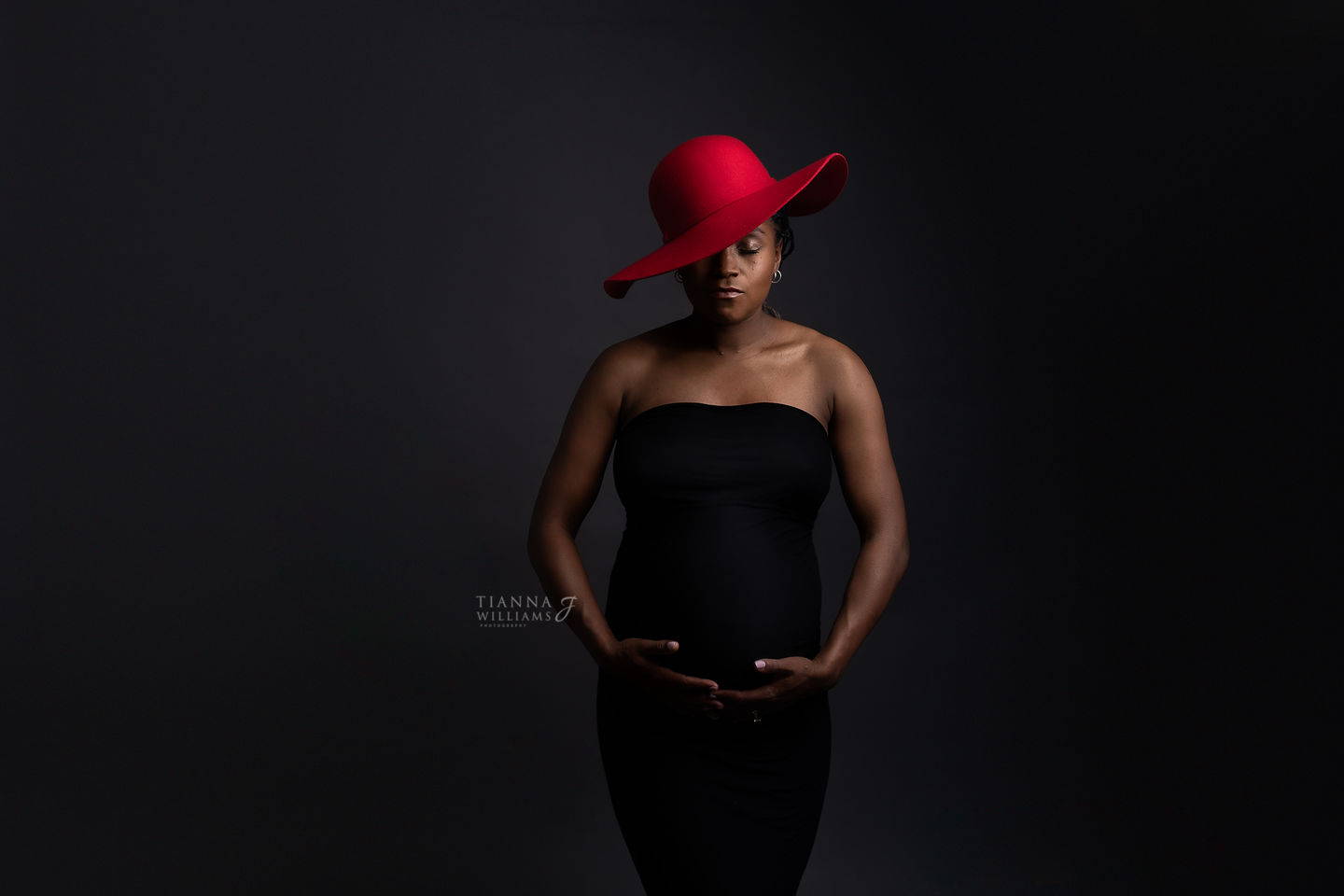
Tianna J.
This set is literally the best I think out of them all! Lauren has outdone herself with this set. I love maternity sessions they are my favourite and so to have an Action Set dedicated to these women is simply genius. I use them for every single maternity client and the results are always outstanding!
M. T.
I love the photoshop actions and the service Lauren gave me. At first the actions didn't work, because of the language, en Lauren immediately repaired it so I could edit my studio photos. Thank you so much Lauren!!
Amanda T.
LSP actions have made my life so much easier! The editing time has been cut down tremendously, I love them!
Petra S.
My favorite Essential Studio Action!!! I think my pictures are much better since I'm using your action.