
→ Autumn Dusk
→ Autumn Spice
→ Bake A Pie
→ Beauty-Fall
→ Crisp Rain
→ Misty Mute Harvest
→ Rich Pumpkin Pie
→ Rooster Red
→ Rusty Robin
→ Spectrum
→ Sunny Fall
→ Tangy Vintage
→ EXTRA: Play them all in a click

Ready to transform your editing workflow and create scroll-stopping images with your...
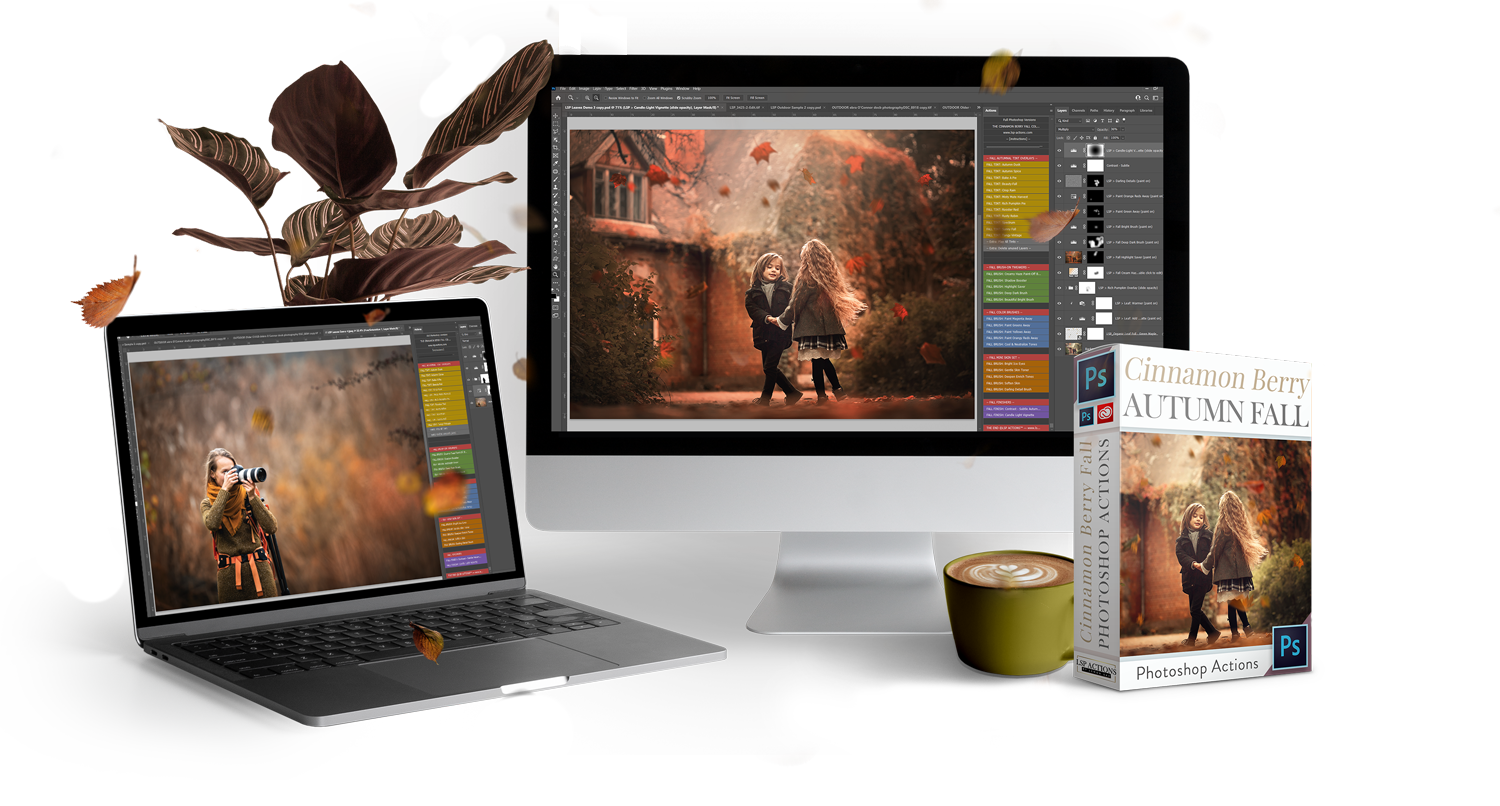
The Cinnamon Berry Actions set for Photoshop creates an instantly polished look inspired by nature’s deeper tones. Get mulled reds, sienna browns, honeyed neutrals and toasted cinnamon overlays in a few clicks.
For photographers who crave:
✅ Painterly color grading.
✅Rich glowing tones
✅ Velvety contrast with deep natural hues
✅ A faster, more creative editing experience
All layers are set up for you automatically, giving you full control to adjust and blend for your stand-out signature look. Video tutorials included to guide you every step of the way so you can transform any image with deep, spiced color-grading.


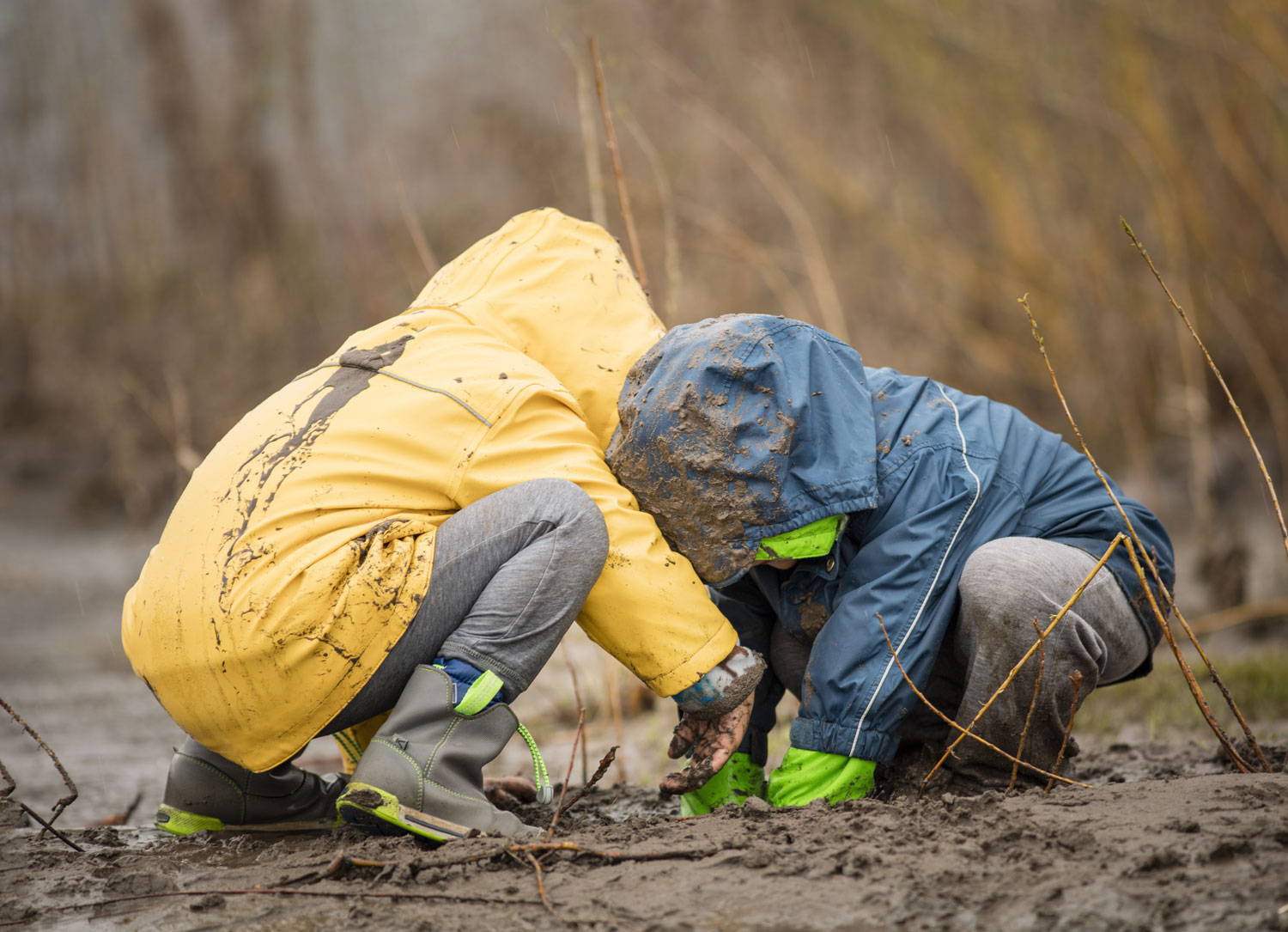
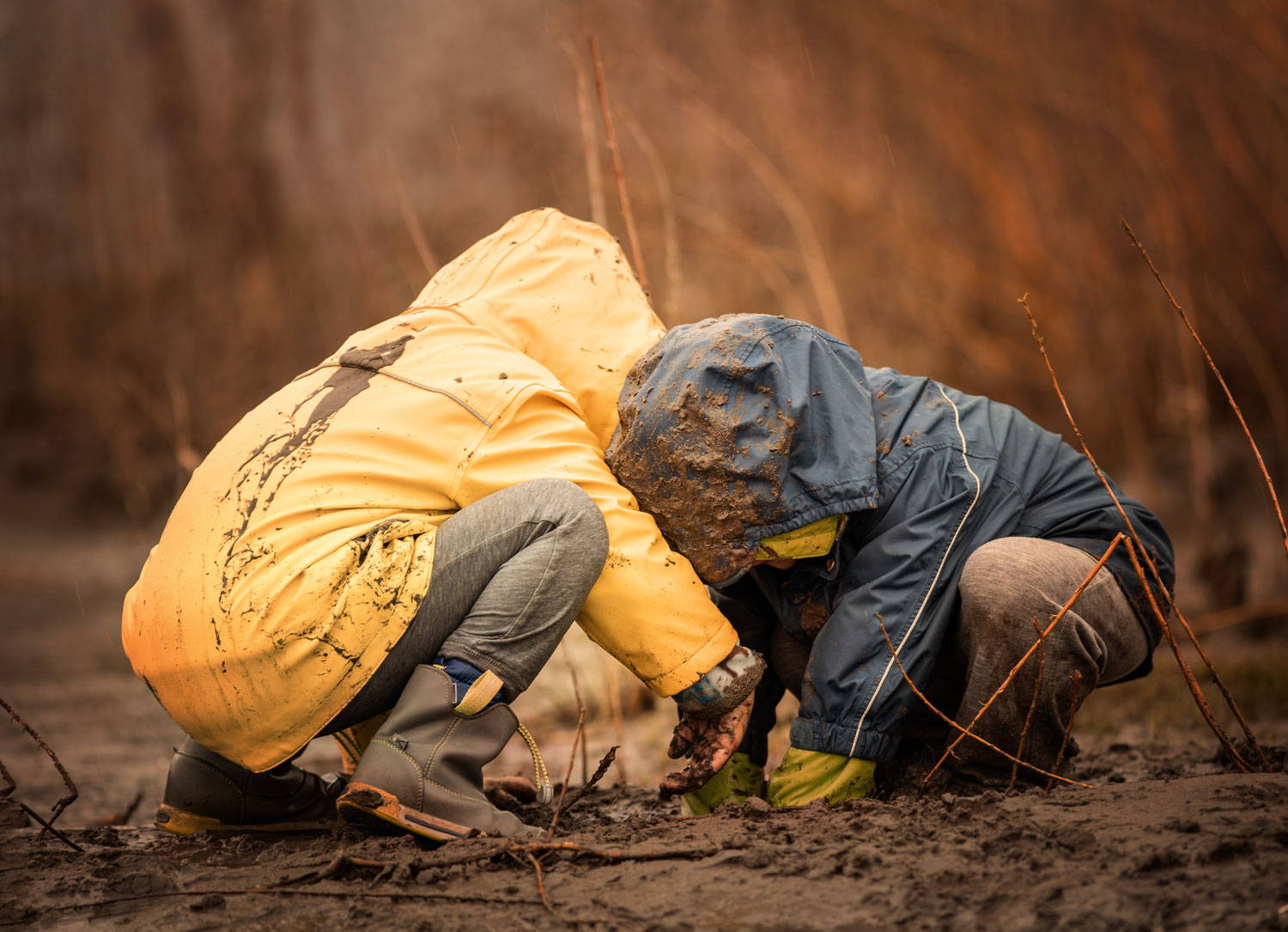






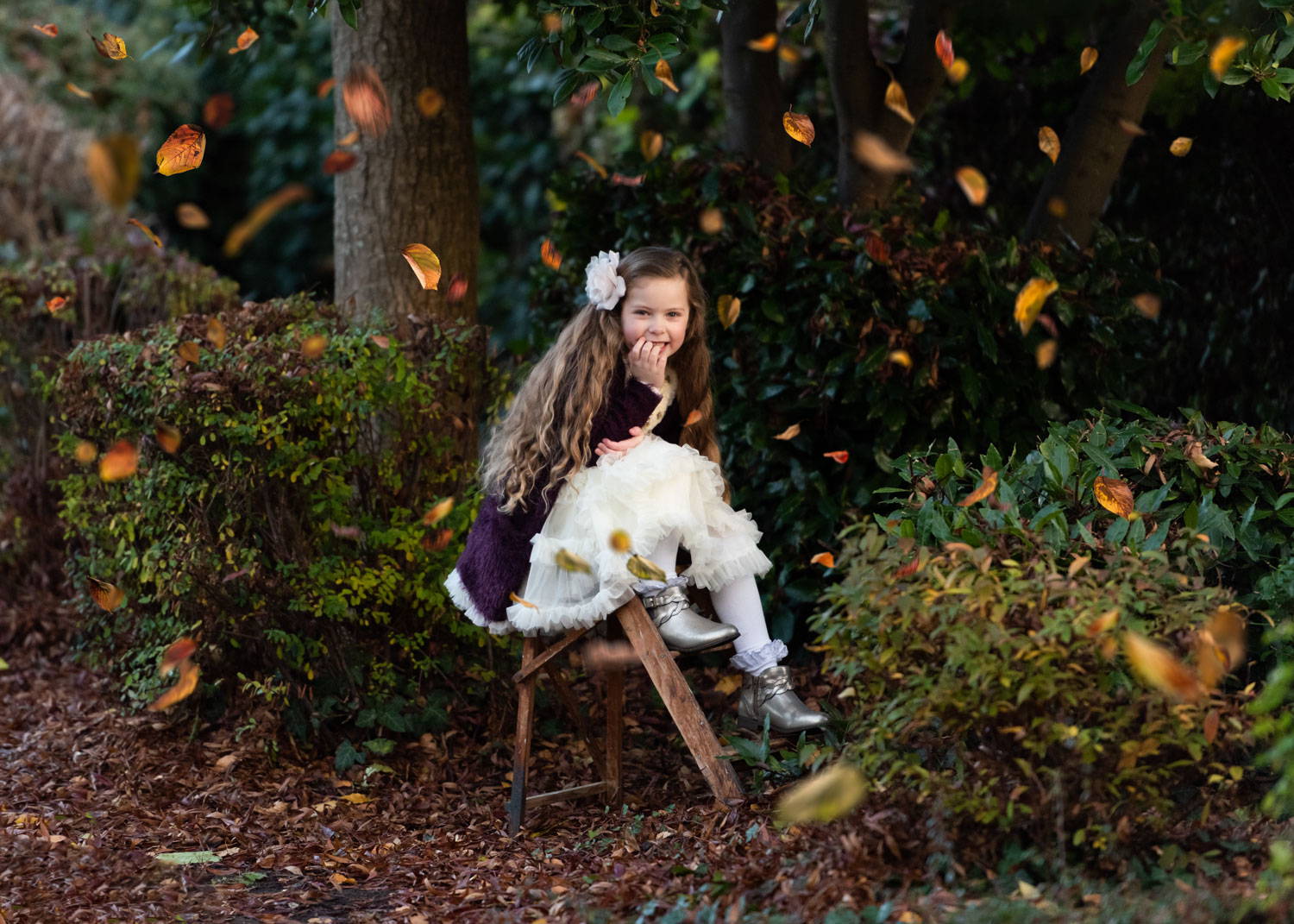
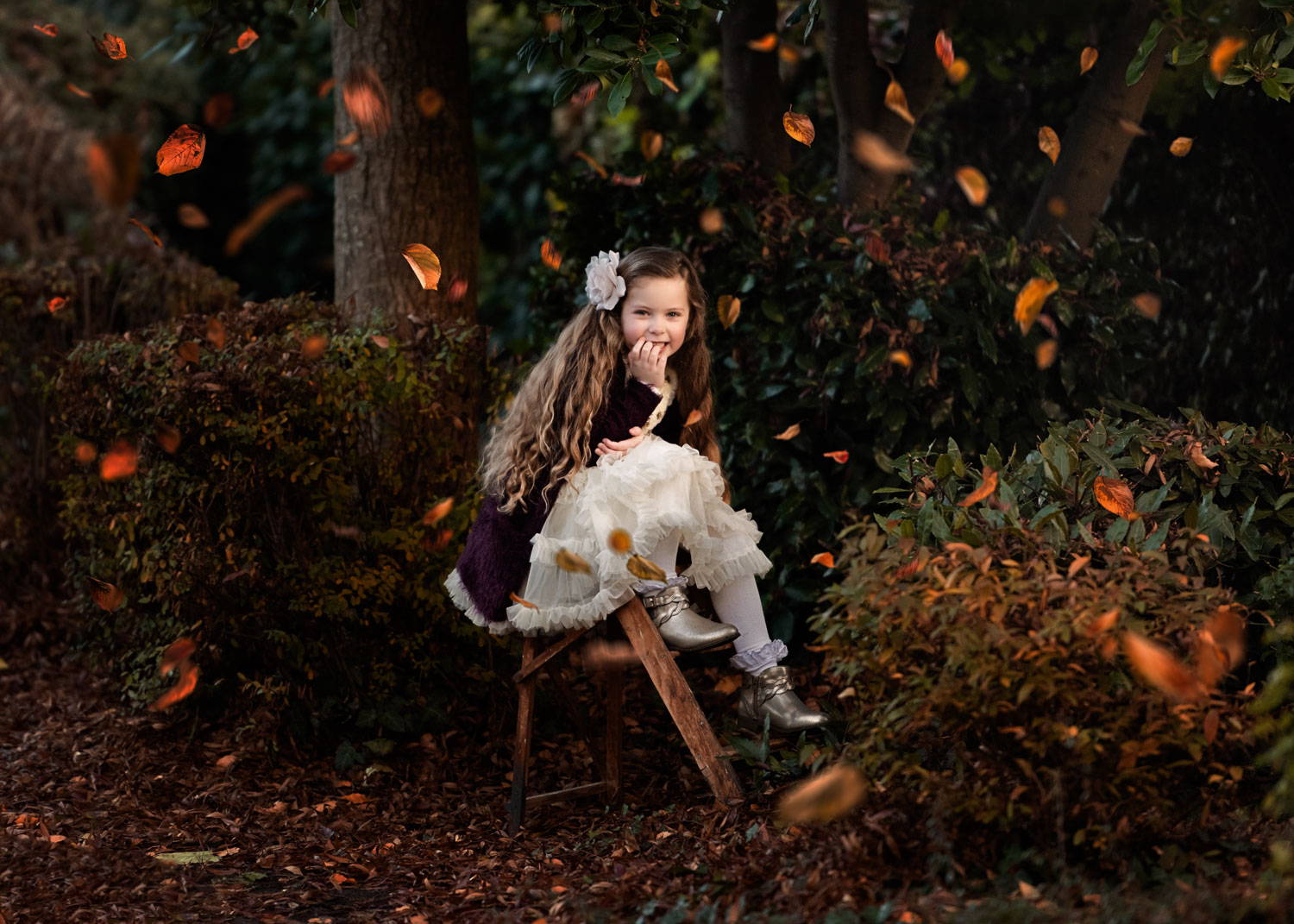
12 RICH TINT OVERLAYS
Works in a click, choose one or mix for your perfect baked blend. Fully editable
→ Autumn Dusk
→ Autumn Spice
→ Bake A Pie
→ Beauty-Fall
→ Crisp Rain
→ Misty Mute Harvest
→ Rich Pumpkin Pie
→ Rooster Red
→ Rusty Robin
→ Spectrum
→ Sunny Fall
→ Tangy Vintage
→ EXTRA: Play them all in a click
09 FALL BRUSH-ON TWEAKS
Professional retouch layers to sculpt areas and add rich, toned cinematic depth
→ Creamy Top Hazer
→ Cream Haze Brush
→ Shadow Booster
→ Highlight Saver
→ Deep Dark
→ Beautiful Brighten
→ Creamy Cream
→ Brown Bronzer
→ Sunny Vibes
05 COLOR CORRECT BRUSHES
Easily neutralize color casts and balance tones
→ Paint Magenta Away
→ Paint Green Away
→ Paint Yellow Away
→ Paint Orangy Away
→ Cool & Neutral Toner
05 MINI SKIN RETOUCH SET
Soften skin tones, bring out details and retouch eyes for a professional fast finish
→ Bright Icy Eyes
→ Gentle Skin Toner
→ Enrich Tones
→ Soften Skin
→ Darling Details
02 FALL FINISHERS
Finished... not quite! Click one of these actions to apply an artisan finish
→ Contrast Subtle
→ Candlelight Vignette
Is this compatible with my version of Photoshop?
These actions are compatible with Photoshop on Mac or Windows:
• Photoshop Creative Cloud (all versions)
• Photoshop CS5-6
(not compatible with Photoshop Elements or older versions of Photoshop. Not compatible with tablet or mobile devices).
• Get a free trial of Photoshop Creative Cloud here: Get Adobe Creative Cloud
What are Photoshop Actions?
Photoshop Actions are a series of pre-recorded editing steps that you can "play" over your image using Adobe Photoshop on your computer. It's like watching an invisible editor take over your screen for a fraction of a second to set up all the layers you need.
You need your Photoshop Action panel and layers panel open.
I have designed every step of the action commands to adapt to your image. LSP Actions leave 100% room for flexibility and are non-destructive to your background layer. The open layers included mean you can tweak, reverse engineer and adapt if you like to suit your tastes even further. If you do not have experience in using Photoshop actions, please refer to the LSP online video tutorials. You can also find more information about using Photoshop Actions on Adobe's website here.
I'm a beginner, is this suitable for me?
Though these LSP Photoshop Actions have been designed to the highest professional standards, many beginners find these so user-friendly.
It is important to have a working knowledge of Photoshop for best results as the actions require some experience in using the Photoshop actions and layers panel.
The video tutorials walk you through step by step. I recommend watching the video tutorial first if in doubt to see if it is something you could do.
Please note: A working knowledge of Photoshop means you will be able to get started quicker in using these. If you are a complete beginner, please follow the video tutorials step-by-step. Lauren at LSP Actions cannot personally walk you through using these, but support is provided in the LSP Actions Facebook Group.
There is a lot of information online about using Photoshop actions, layers and brushes at Adobe.com.
What is the 14 day refund policy?
Over 45,000 photographers love our editing packs, and we're confident you'll love the Cinnamon Berry Collection! That's why we offer a 14-day satisfaction guarantee.
Here's how it works:
✅ Try it risk-free for 14 days
✅ Having issues? Email us first - we're here to help troubleshoot
✅ Still not satisfied after our support or it didn't solve your issue? We'll issue a full refund.
✅ Accidental duplicate purchase? Instant refund, no questions asked.
Simply email hello@lsp-actions.com within 14 days of purchase if you need any assistance.
Please read the full customer refund policy here.
I've been let down in the past, are these worth it?
There is a reason LSP Actions was voted "Best Professional Photographic Software" the last four years in a row and are used by some of the world's best photographers to achieve stunning results. To put it simply, LSP Actions work. On all images. Exactly as they say they do.
We are committed to setting an industry standard for the highest quality Actions and Presets available to you and have help and support available to help you get the very best out of this action set.
Can I enter the images edited with LSP Actions into competitions?
Yes. Many photographers who use the LSP Actions are finding their images are doing better in photography competitions and winning awards. Please do check the individual rules of the competition to make sure you are allowed to use Actions or Presets.
How do I watch the video tutorials?
Watch the tutorials any time:https://www.lsp-actions.com/pages/cinnamon-berry-photoshop-actions-tutorial
You can also watch video tutorials on the LSP actions YouTube channel.
If I lose the file or my computer crashes, do I have to buy it again?
Once you purchase LSP Actions, you keep it for life. The files are available again to download in your account any time. Any problems, email us at hello@lsp-actions.com with your purchase information and we will quickly get a replacement out to you for free.