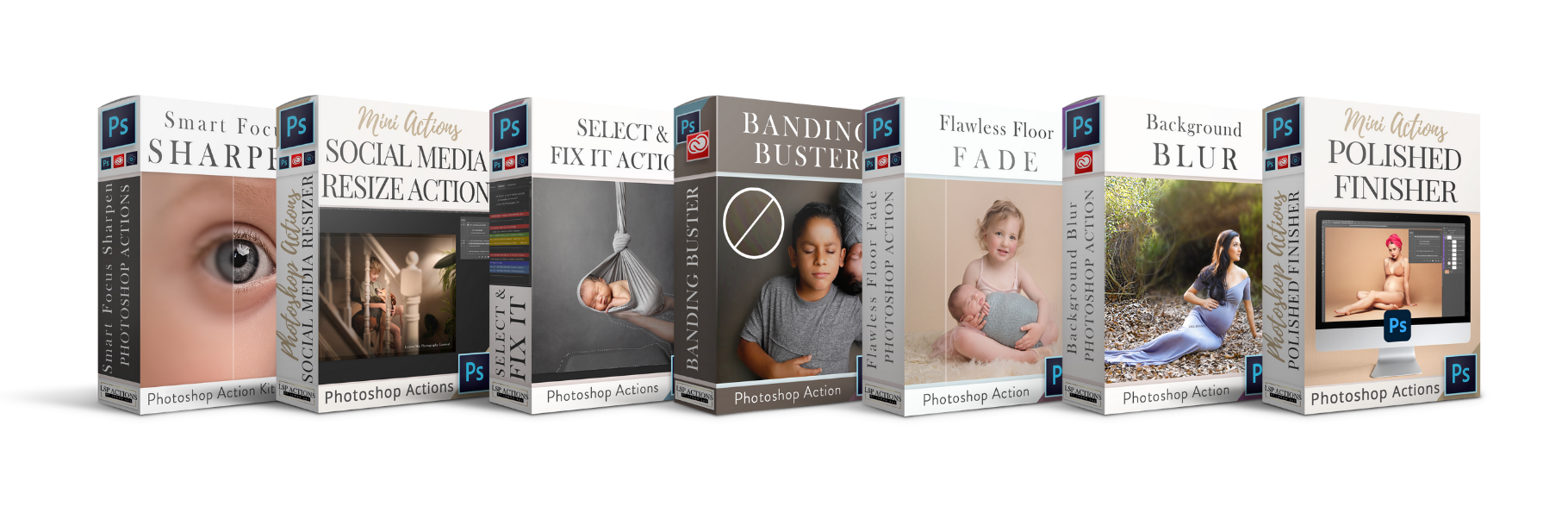
SELECT & FIX IT
Video 1: How to use the Selecy & Fix It Photoshop Action
SELECT & FIX IT
Video 2: How to use the advanced features in Photoshop CC

Ready to transform your editing workflow and create scroll-stopping images with your...
VIDEO TUTORIAL LIBRARY

No more hours of painstaking cloning, spot healing or extending backdrops. Incredible time saver. Works like magic.
WATCH TUTORIALS FOR SELECT & FIX IT ↓
SELECT & FIX IT
Video 1: How to use the Selecy & Fix It Photoshop Action
SELECT & FIX IT
Video 2: How to use the advanced features in Photoshop CC
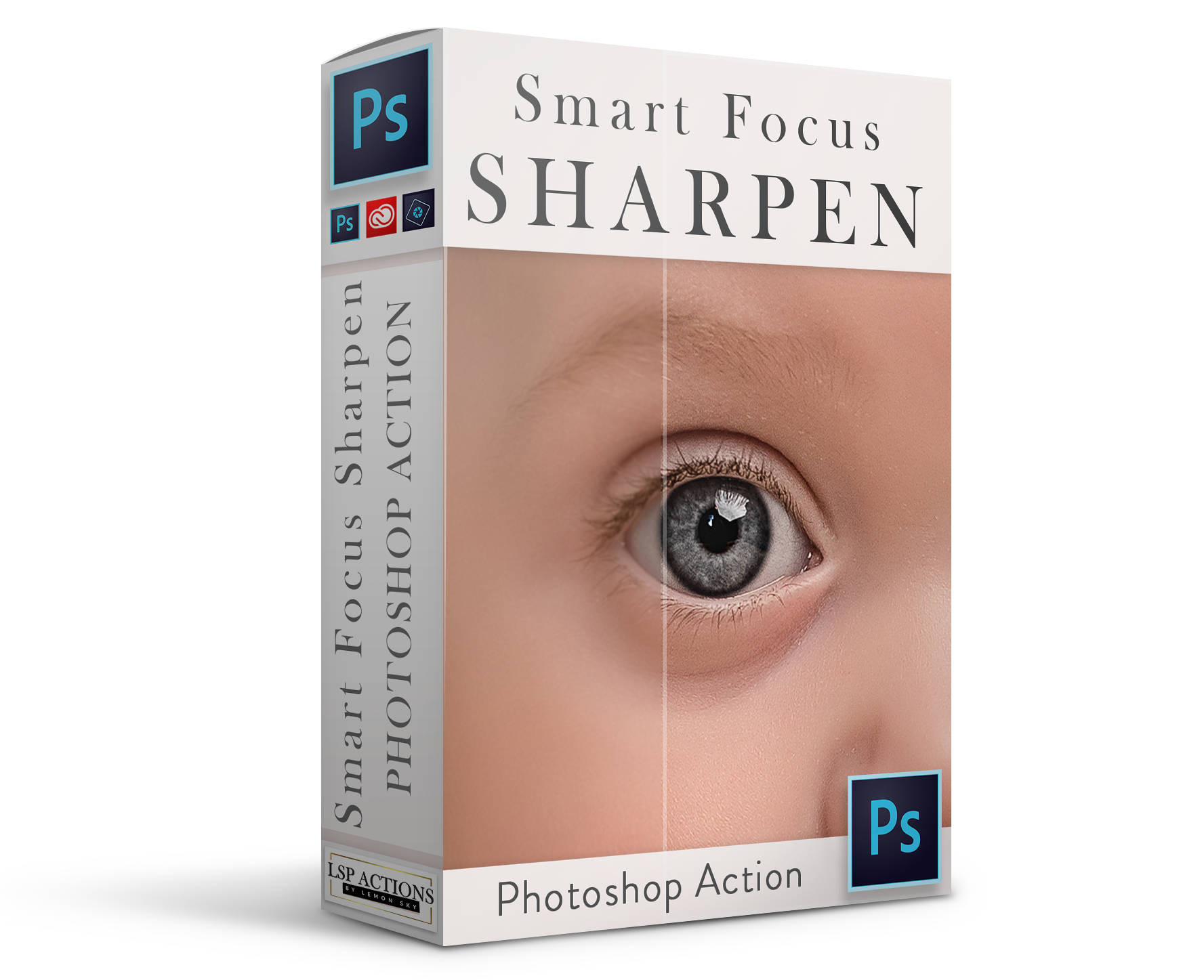
Intelligently sharpen and bring focus back - just play and brush on!
WATCH TUTORIALS FOR SMART FOCUS SHARPEN ↓
SMART FOCUS SHARPEN
How to use the intelligent LSP Smart Focus Sharpen Photoshop Action kit to save those blurry out of focus images! No wizadry or fiddly plugins, this set is as easy to use as click & paint.

Add a realistic blur to the background every time. Precise subject selection, 7 levels of blur + extra editing actions... all without the giveaway halo!
WATCH TUTORIALS FOR BACKGROUND BLUR ↓
BACKGROUND BLUR
Video 1: Overview and how to use
BACKGROUND BLUR
Video 2: More Examles & Techniques

Paint a delicate custom color fade along the floor & wall crease with this mini photoshop action.
WATCH TUTORIALS FOR FLAWLESS FLOOR FADE ↓
FLOOR FADE TUTORIAL
How to add a delicate fade between the floor and wall of your image.
BACKGROUND BLUR
Video 2: More Examles & Techniques
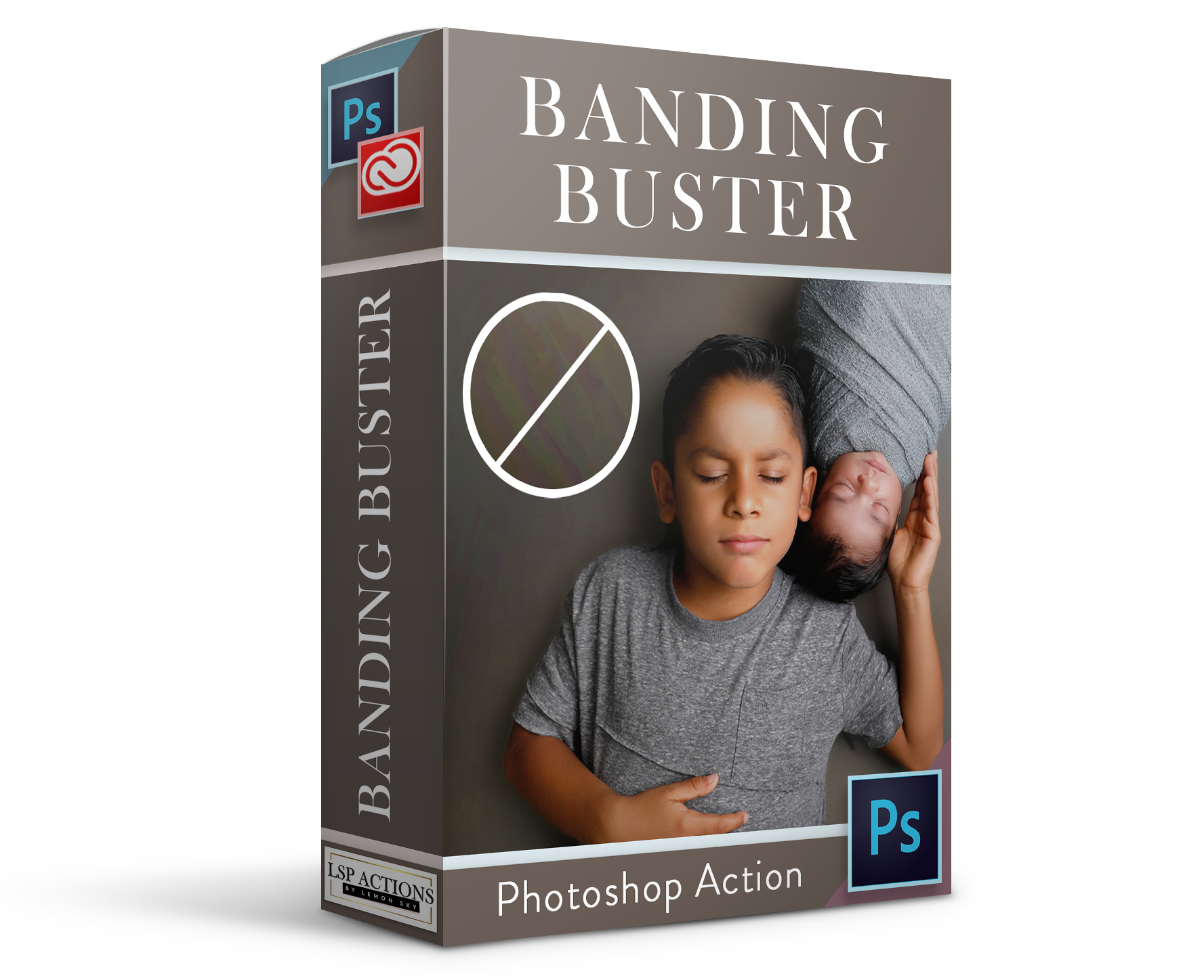
With this loaded into your digital tool kit, you can remove banding from an image in Photoshop in just a few brush strokes.
WATCH TUTORIALS FOR BANDING BUSTER ↓
BANDING BUSTER
How to install and use to remove banding
BACKGROUND BLUR
Video 2: More Examles & Techniques
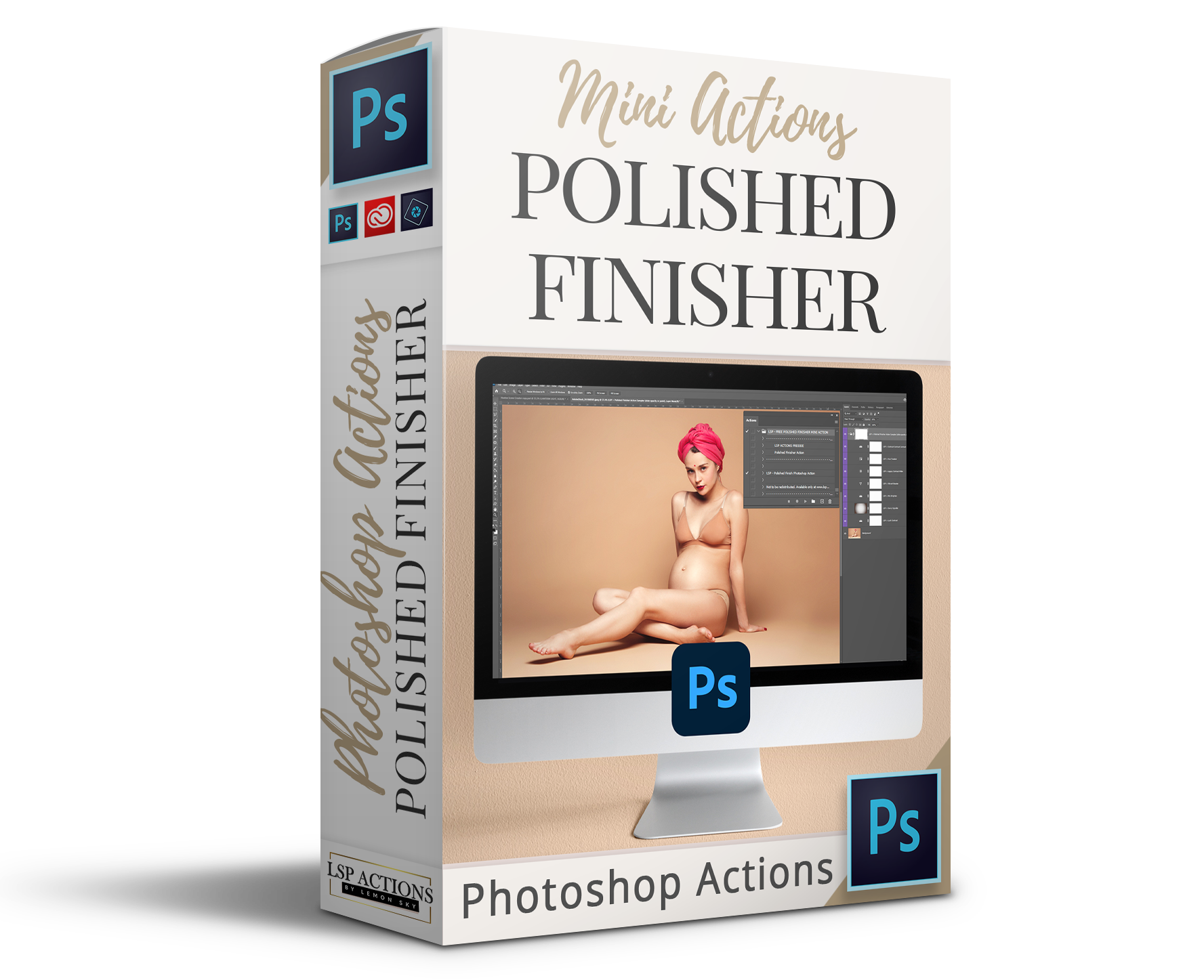
The perfect 1-click polished finish for all images in Photoshop.
WATCH TUTORIALS FOR POLISHED FINISHER ↓
POLISHED FINISHER
Overview and how to use
BACKGROUND BLUR
Video 2: More Examles & Techniques

Resize your image for Facebook, Instagram and more with perfect resolution and your watermark - without the risk of saving over the original
WATCH TUTORIALS FOR SOCIAL RESIZE ↓
SOCIAL MEDIA RESIZE
How to perfectly resize your image for Social Media using these Facebook Resizing Photoshop actions.