Texture Overlay Video Tutorial Library


Video Tutorials Part 1:

How to apply textures by hand in Photoshop, with additional trips and tricks:

→ Apply Texture Overlays manually in Photoshop

Video Tutorial (works for all)

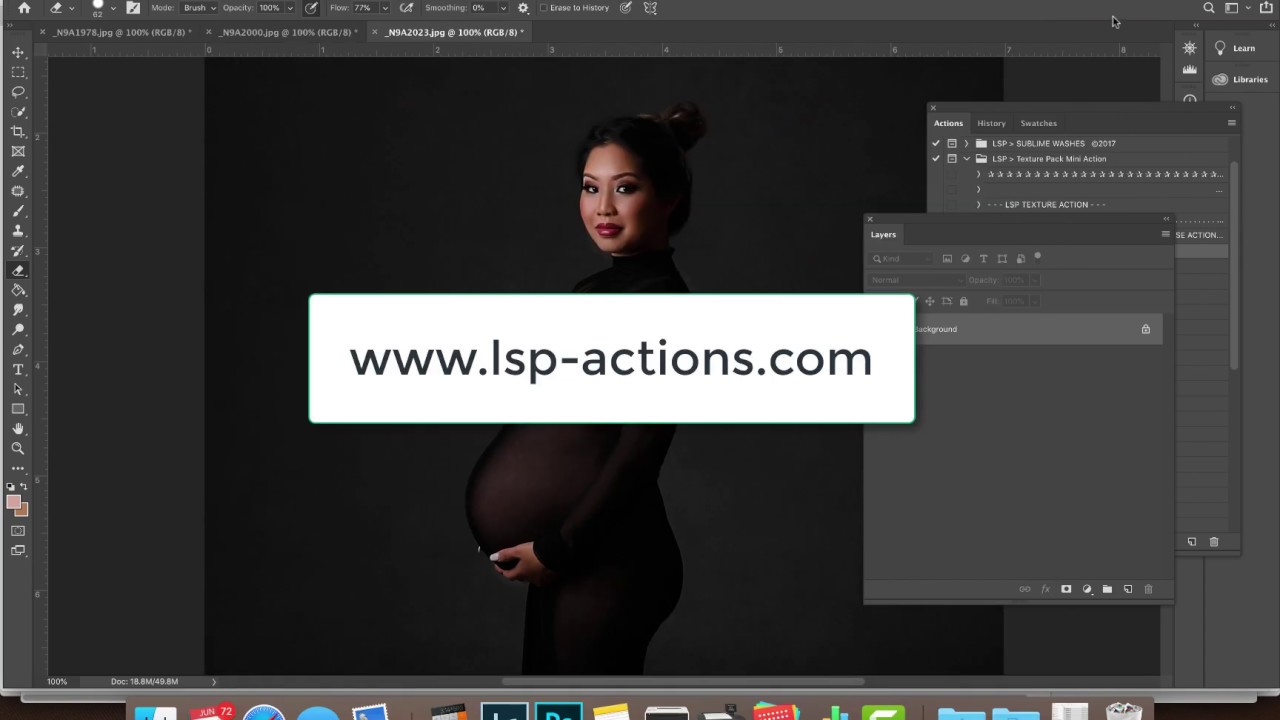
Manually apply and blend a texture overlay to your studio image using your Photoshop Library, masks and blend modes.
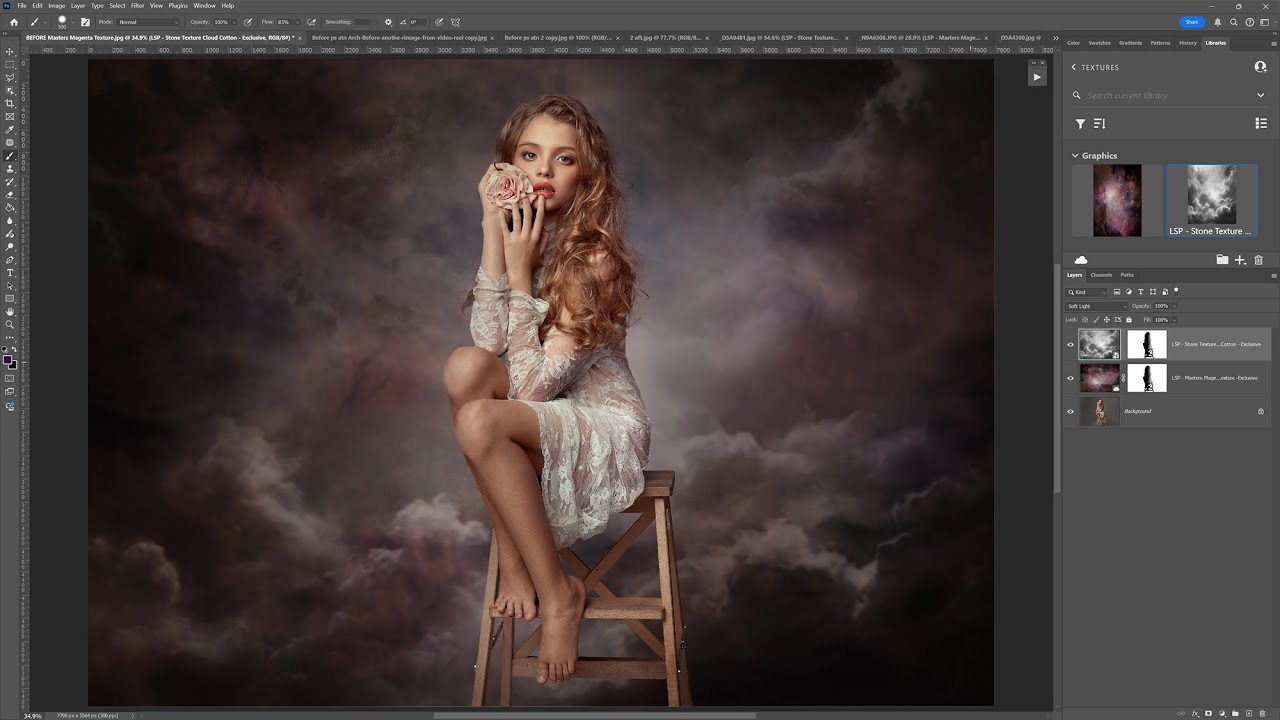
Video Tutorial 

Adding a texture outdoors
Video Tutorial 

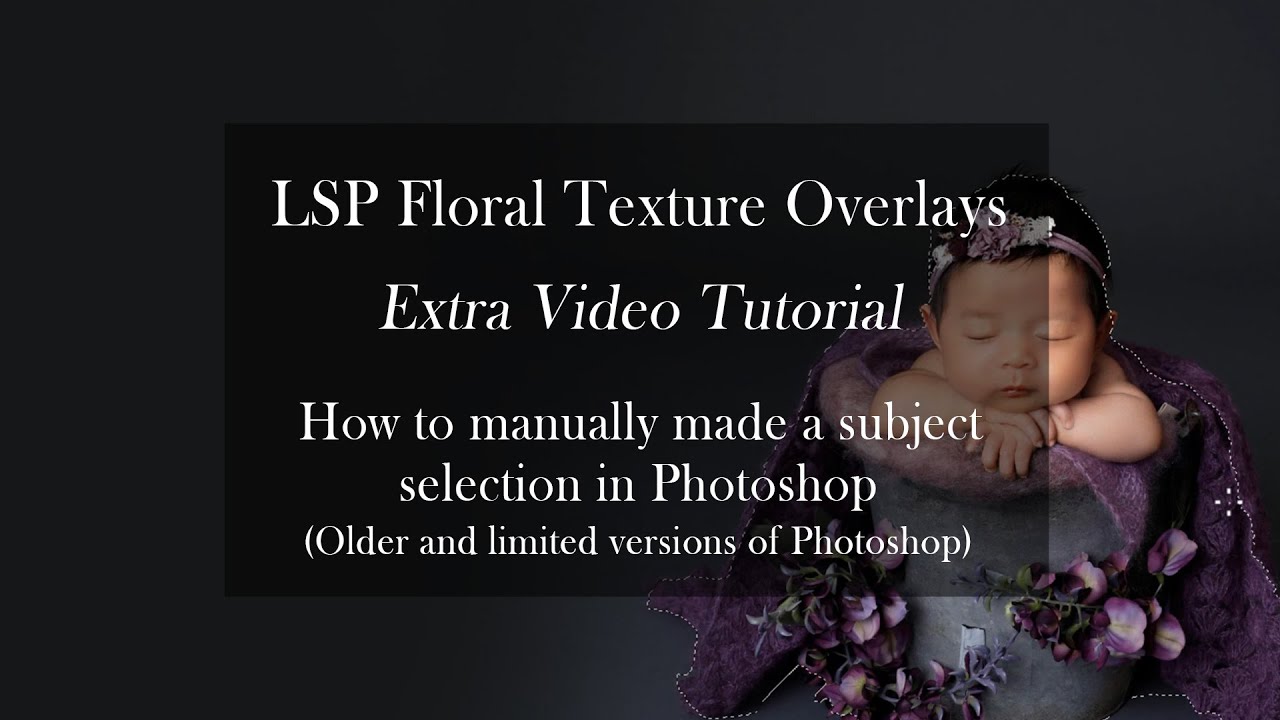
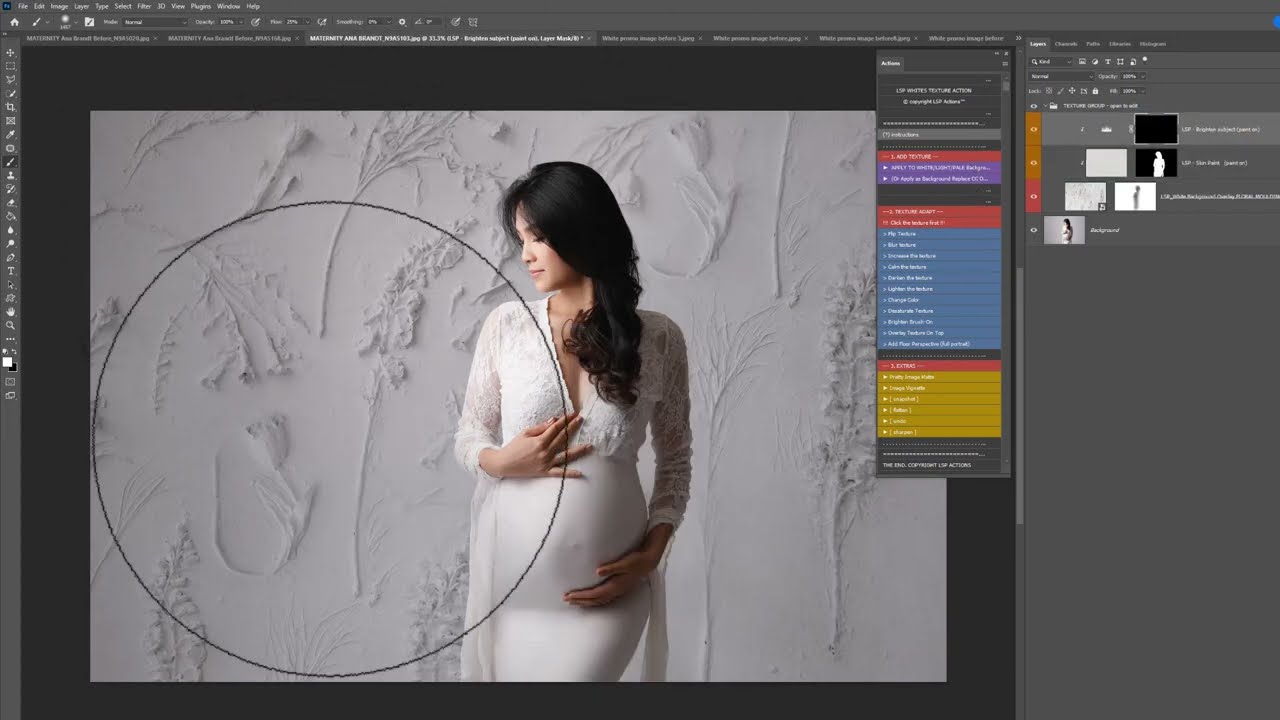
How to add Floral Textures by hand in studio
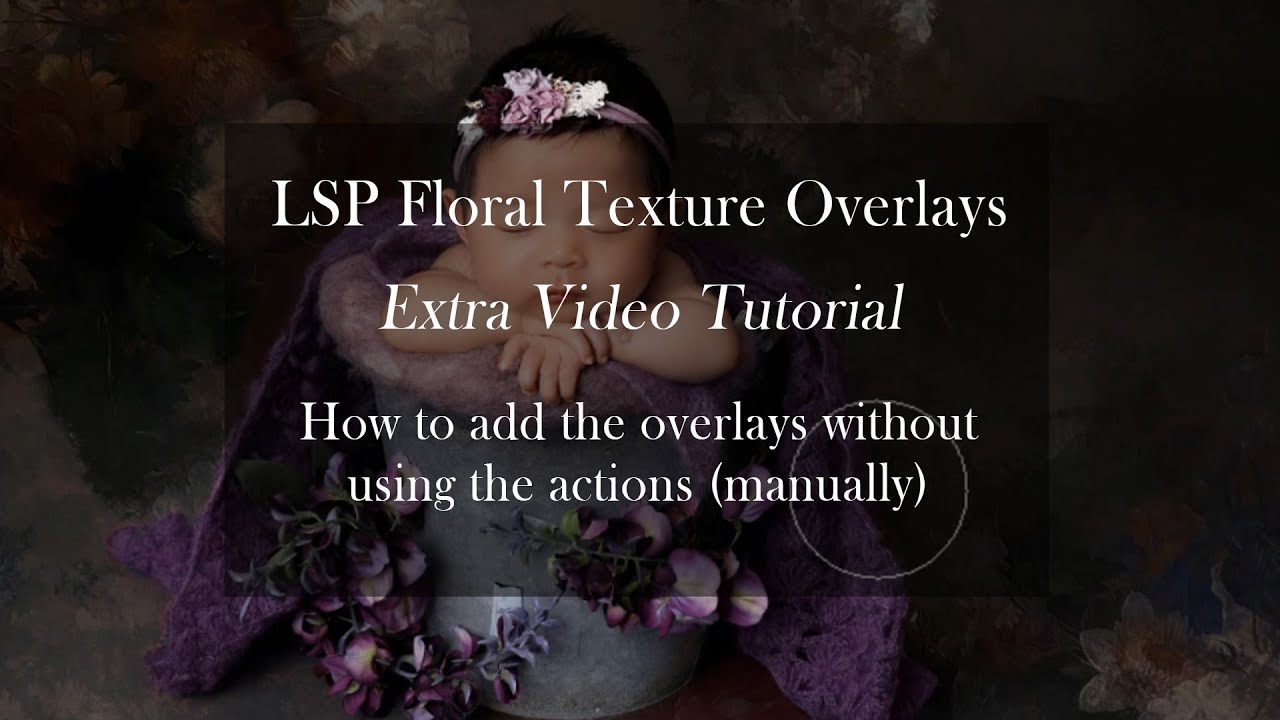
Video Tutorial 

How to add textures by hand in studio (simple)
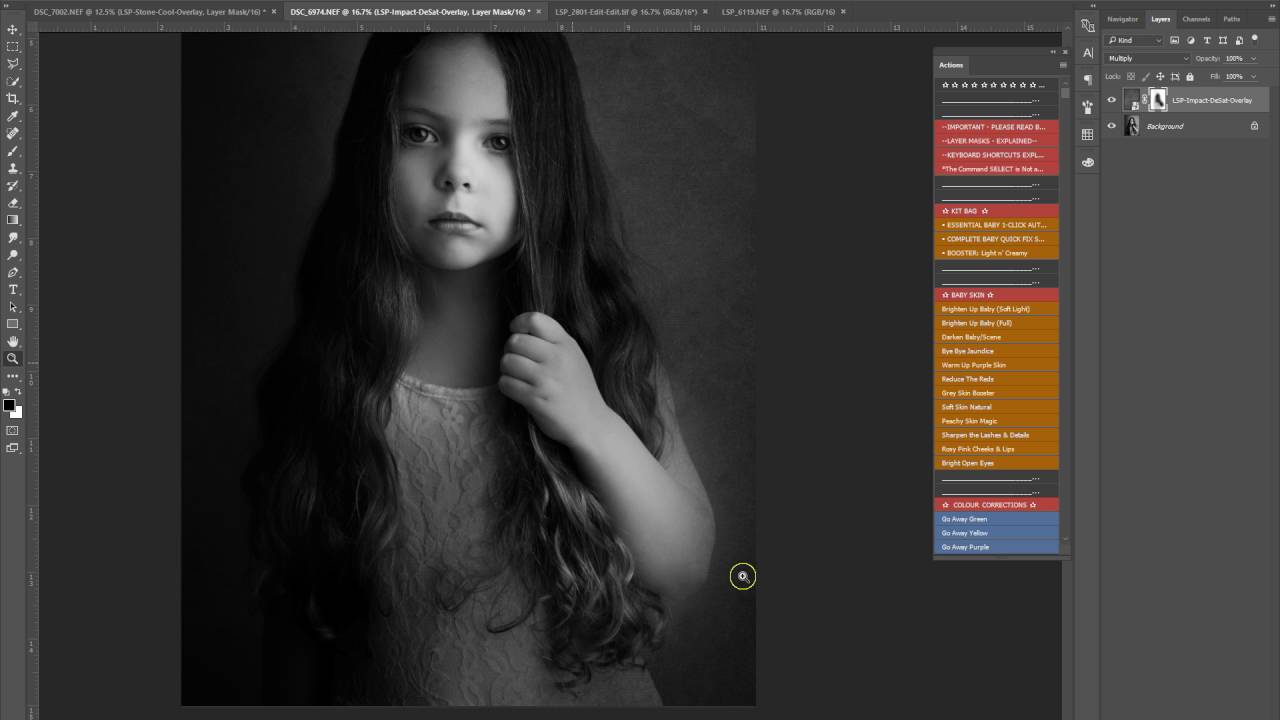
Video Tutorial

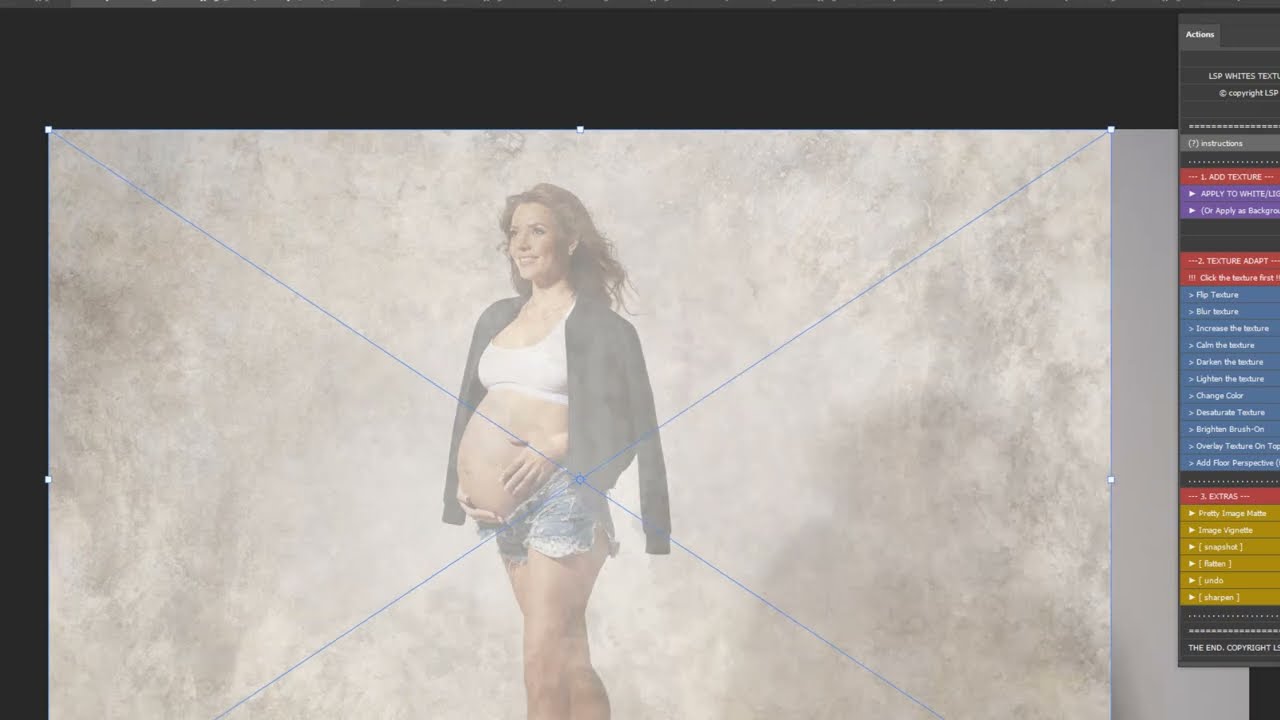
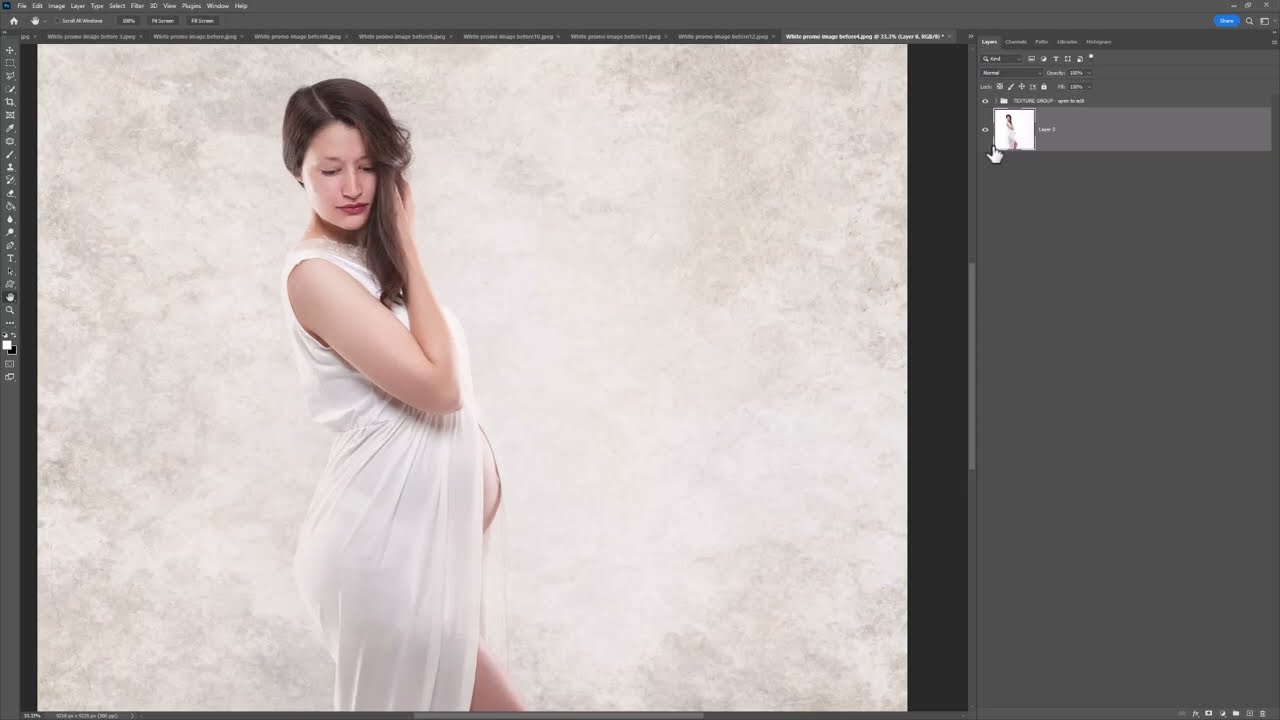
 How to apply a texture to a white background manually for best results, without over-darkening the background.
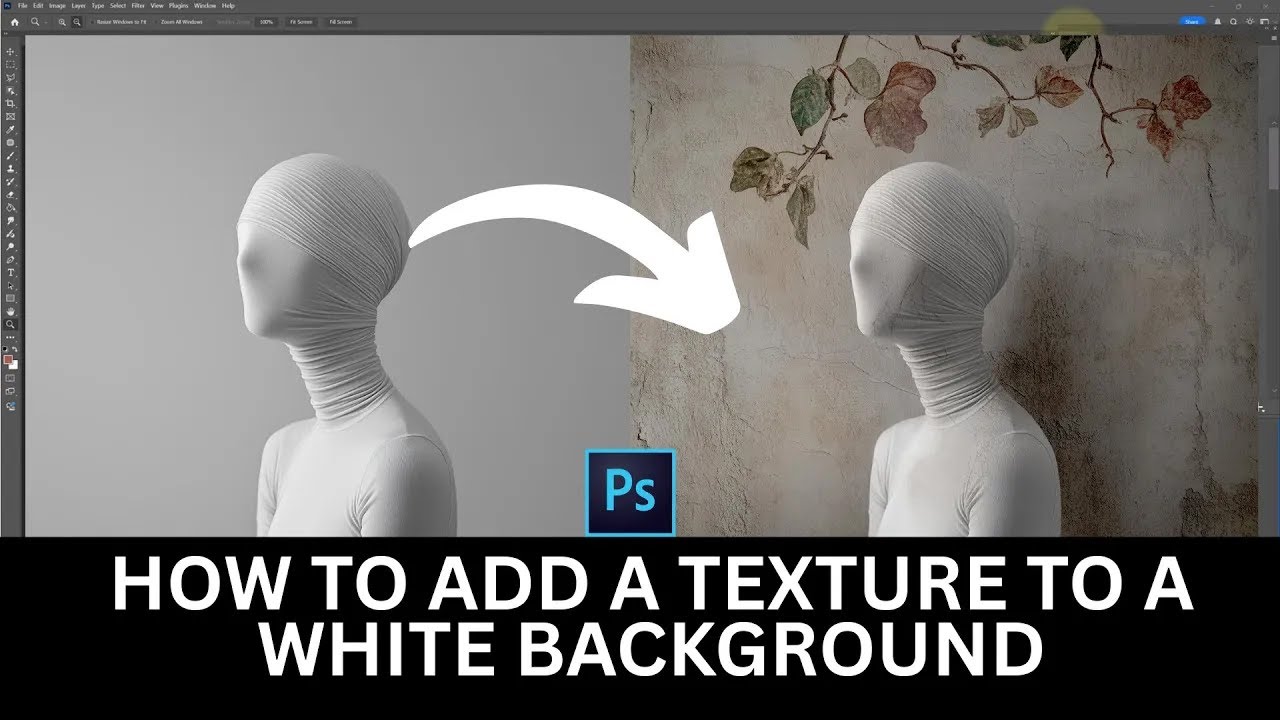
Video Tutorial

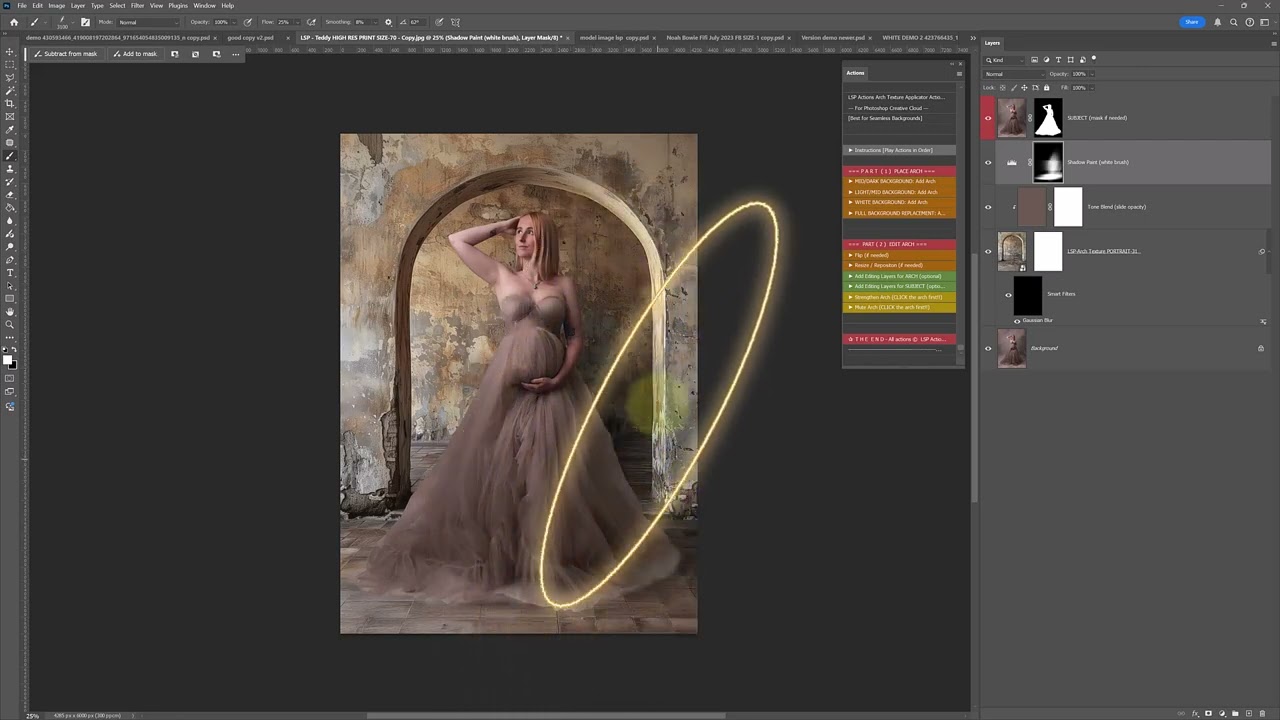
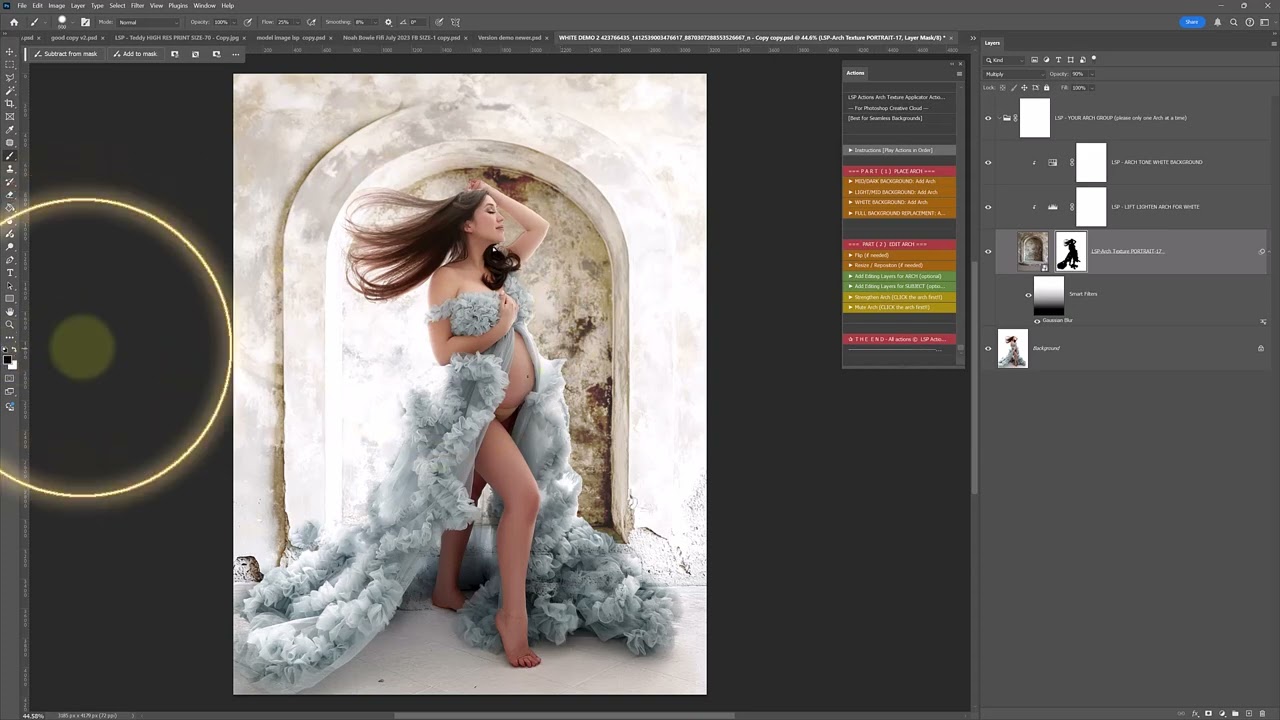
 How to apply a stone arch background by hand 
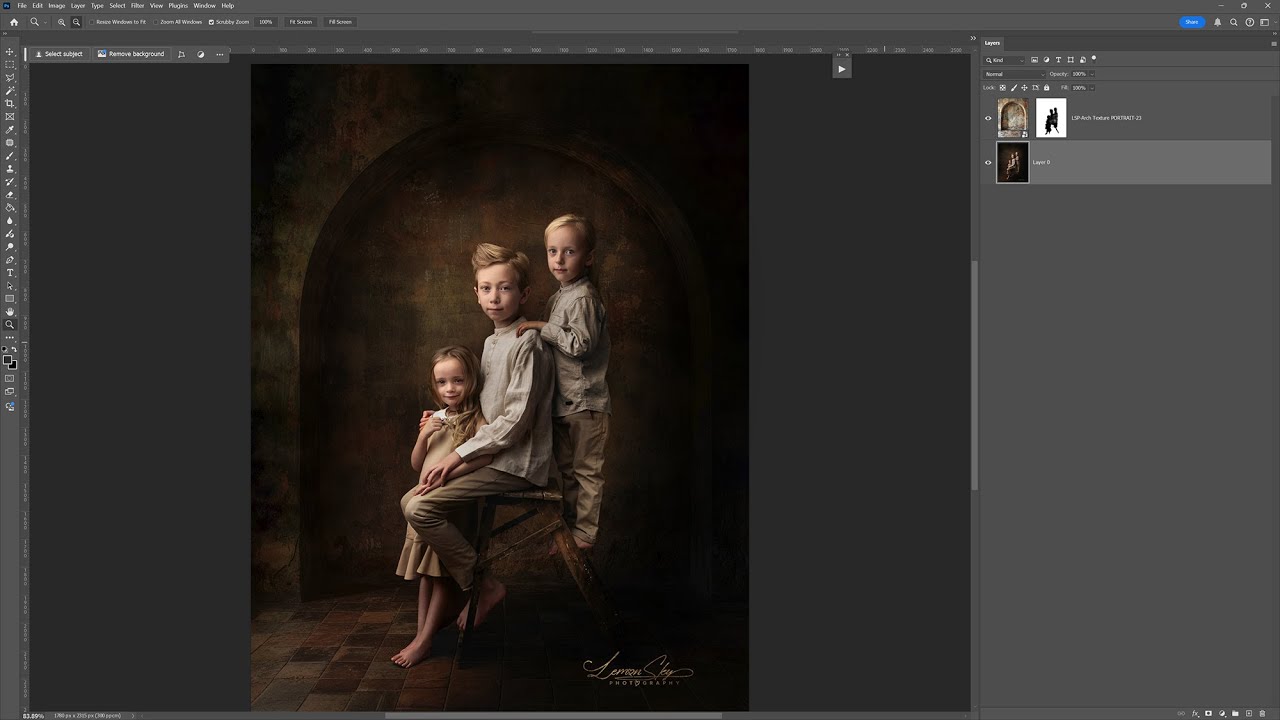
Video Tutorial 

Manually apply and blend a texture overlay to your studio image
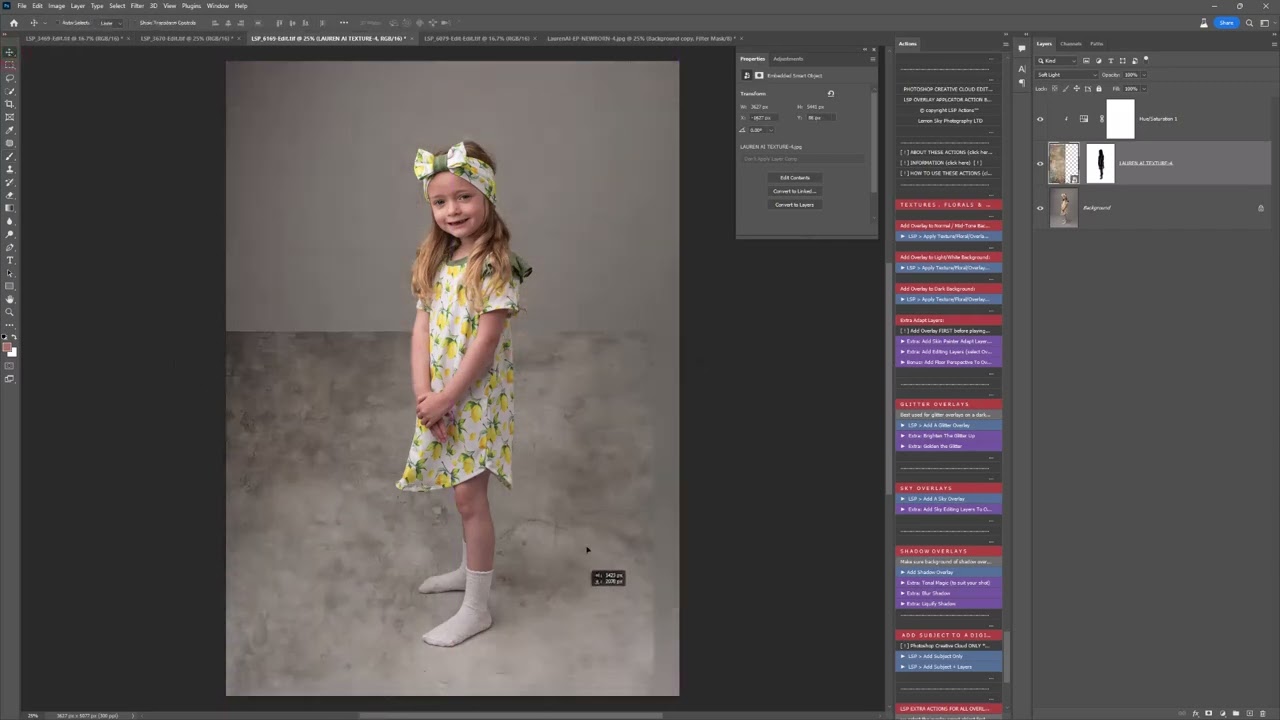
→ Full Background Replacement tutorial

Video Tutorial

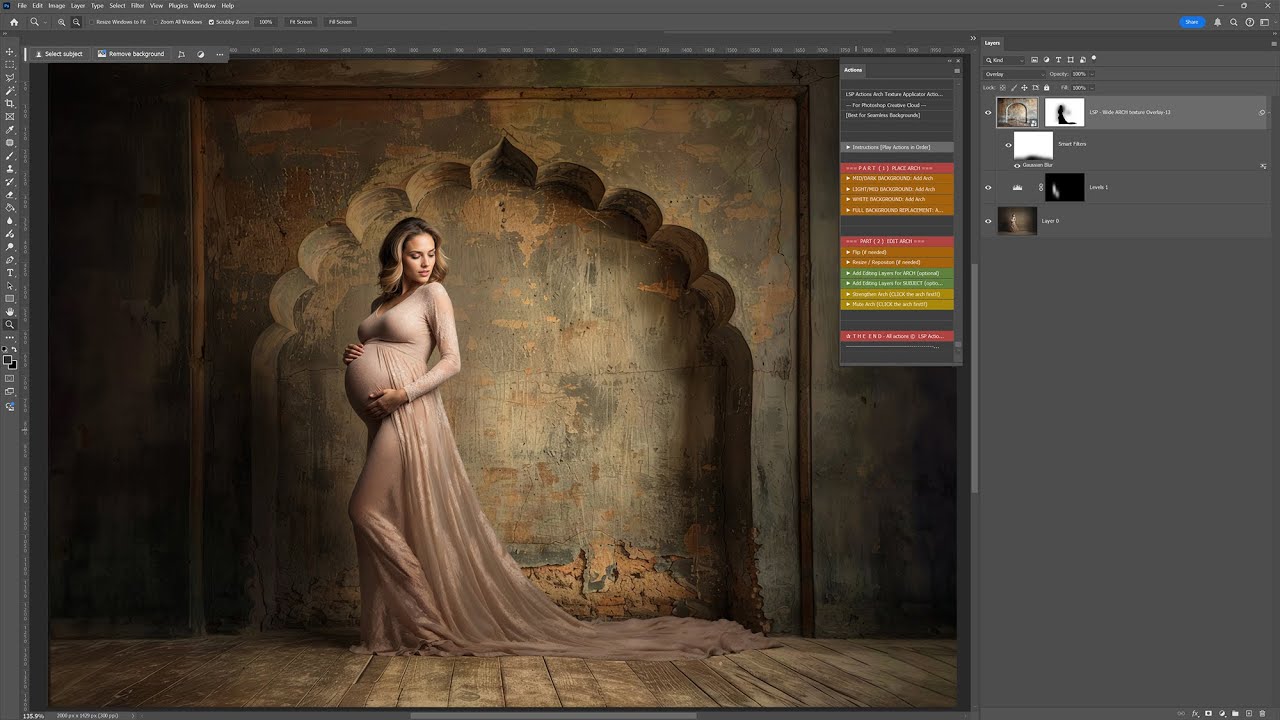
 How to replace the background completely (example shown with the arch backgrounds)

→ How to add floor perspective for realistic studio textures

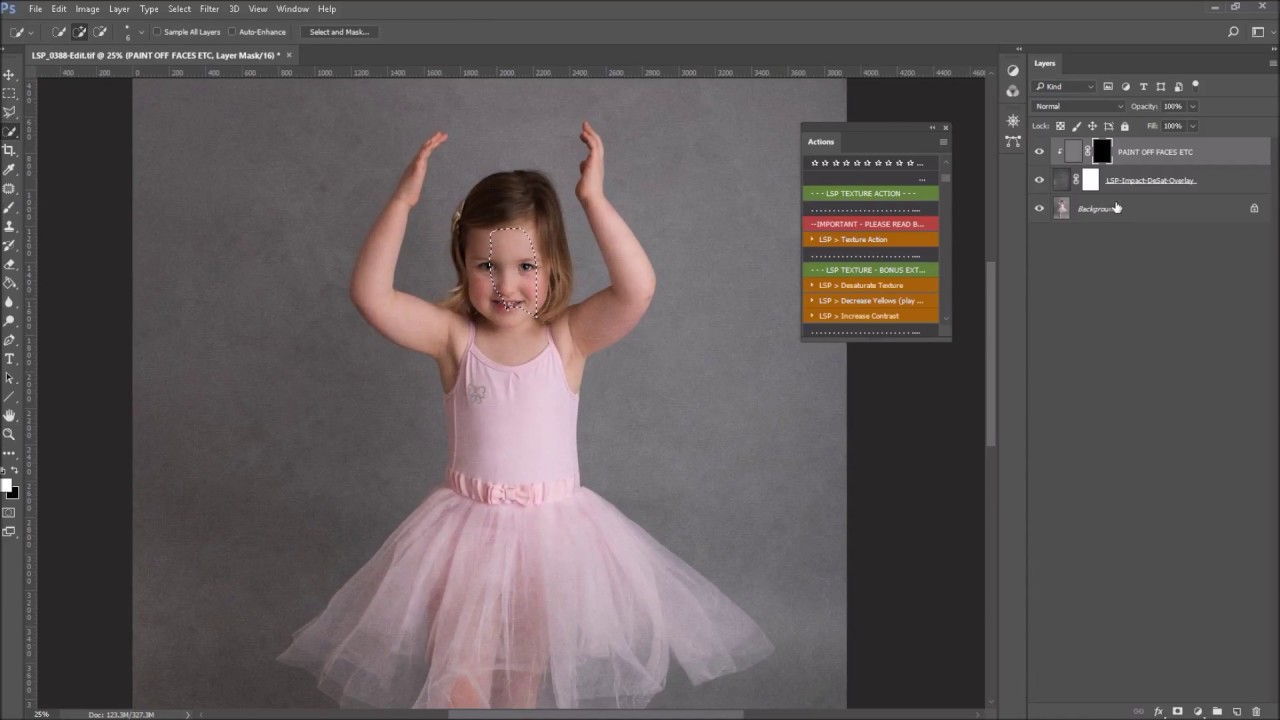
→ Subject Selection for Masking

Subject selection & Blending

 Photoshop Creative Cloud [from 1:50]

Subject selection & Blending

 How to use the Quick Selection tool & Brush Mask 

→ Guest Tutorials 

Guest Video by Ana Brandt


Guest Video by Karen Wiltshire


Video Tutorials Part 2:

How to use the bonus FREE Photoshop applicators for different texture styles, and apply special effects manually:

Photoshop Texture Applicator Actions V05 For Fine Art & Masters (mid-toned backgrounds & outdoors)

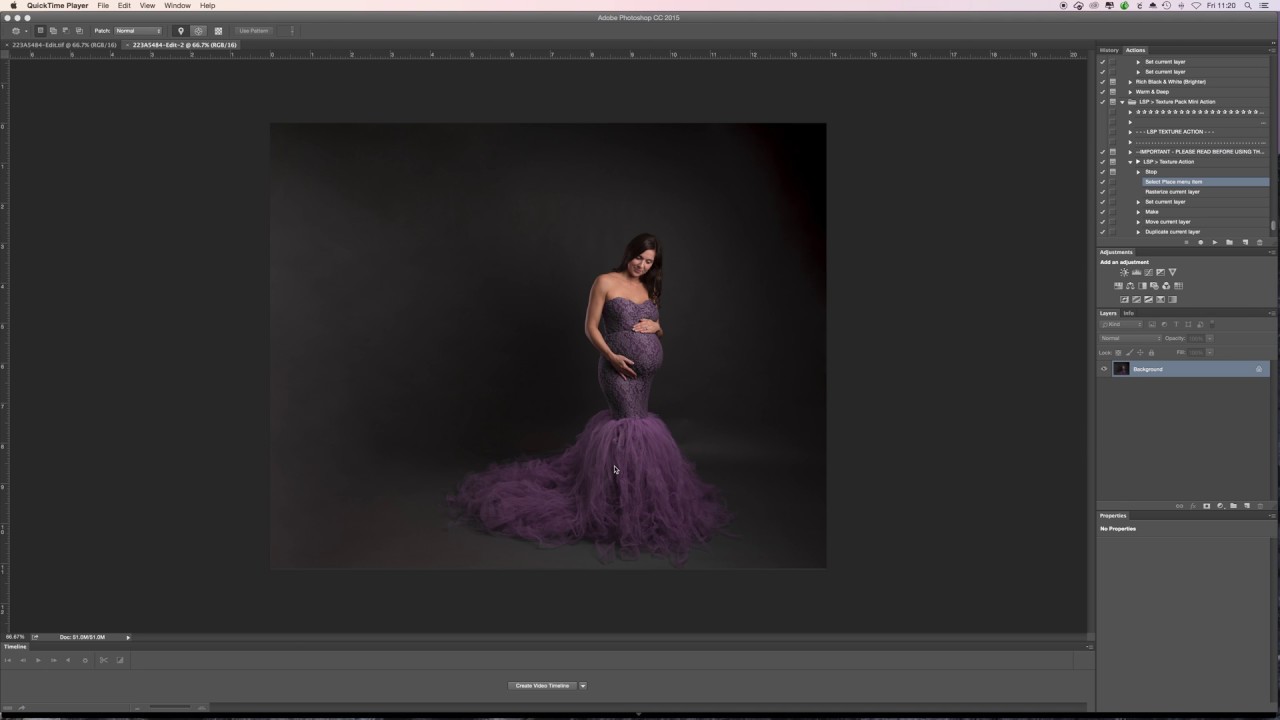
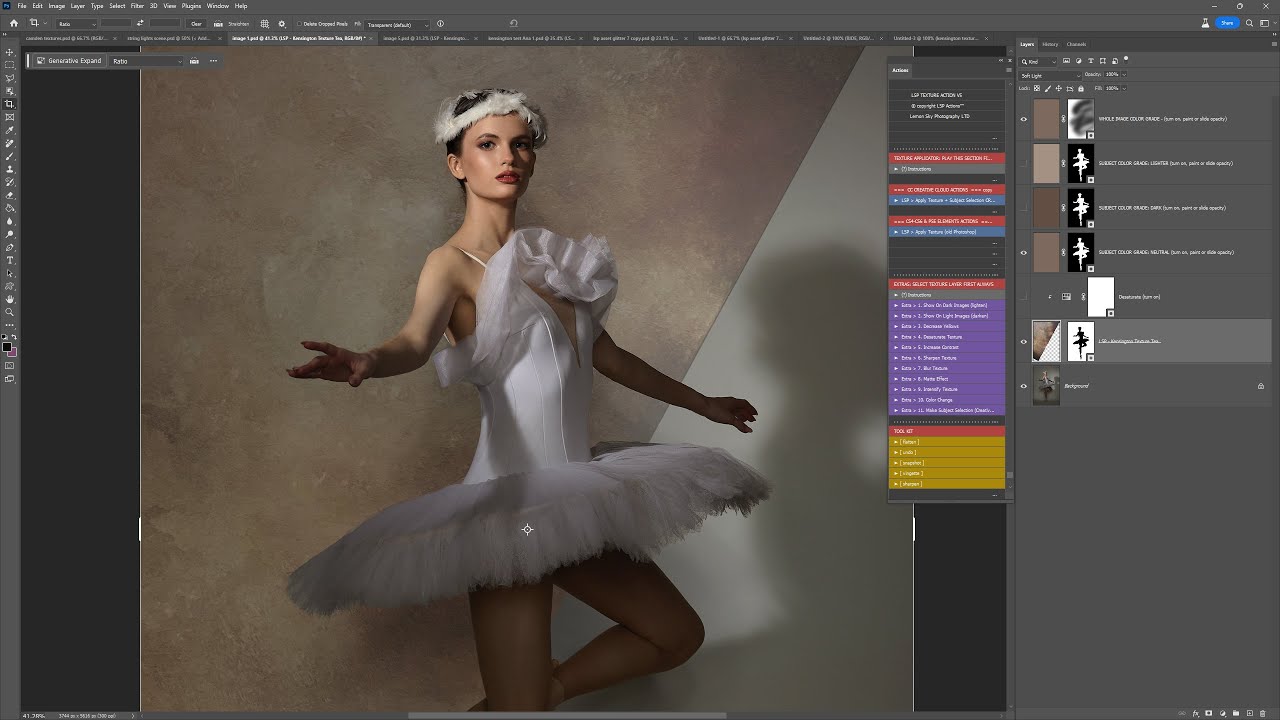
Tutorial - How to add textures using the LSP Texture Applicator Actions V05

(This example is with the Kensington texture pack, but the same goes for all fine art textures)

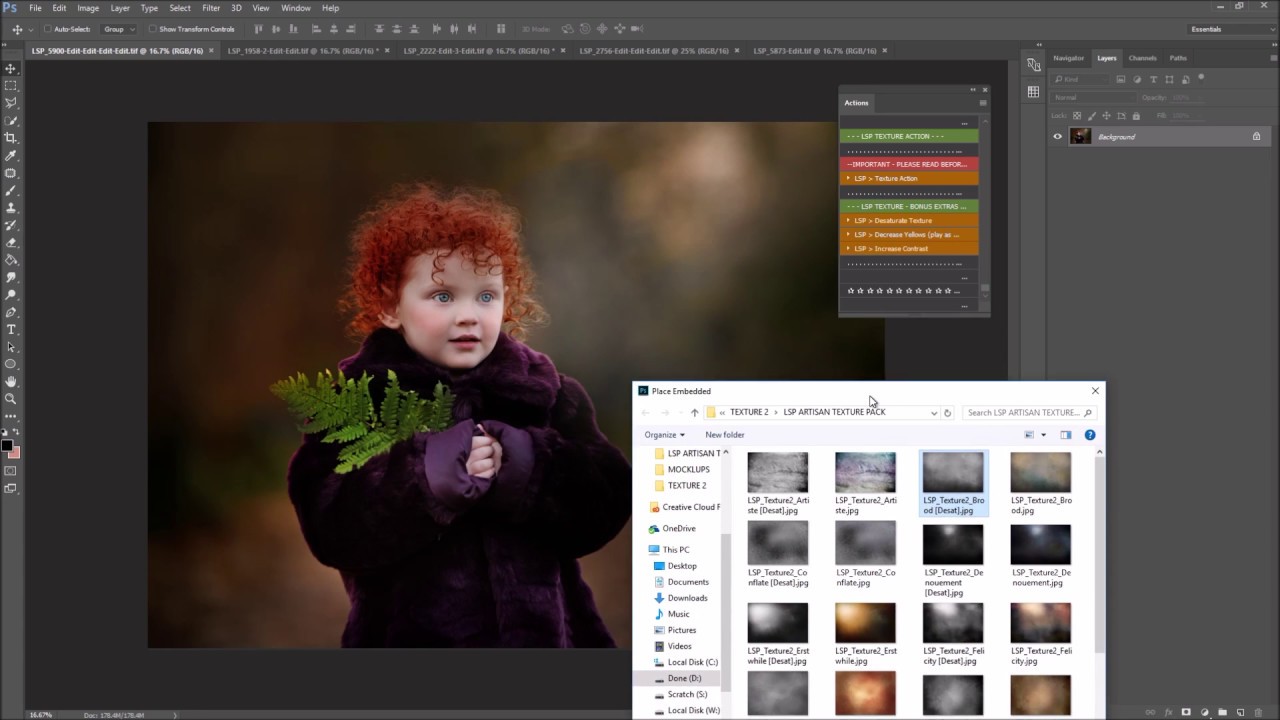
Tutorial - Applying artisan Textures on outdoor image

(This is using an older version of the actions. Please watch video 1 for the updated tutorial if in doubt)

Photoshop Texture Applicator Actions For White Backgrounds

Video Tutorial 1 - Complete tutorial including how to install, unzip and use the actions and textures to create beautiful white background textures

Video Tutorial 3 - A run through of using the textures after installing

Video Tutorial 

How to add an arch texture background to a white or very light background

Photoshop Texture Applicator Actions For Stone Arch Overlays

Video Tutorial 

How to use the Stone Arch Textures as a full background replacement (solid digital background example)

Video Tutorial 

Complete start-to-finish tutorial including how to install, unzip and use the actions and Stone Arch texture overlays:

Video Tutorial 

How to add an arch texture background to a white or very light background

Photoshop Texture Applicator Actions For the Scrunched Texture Backgrounds

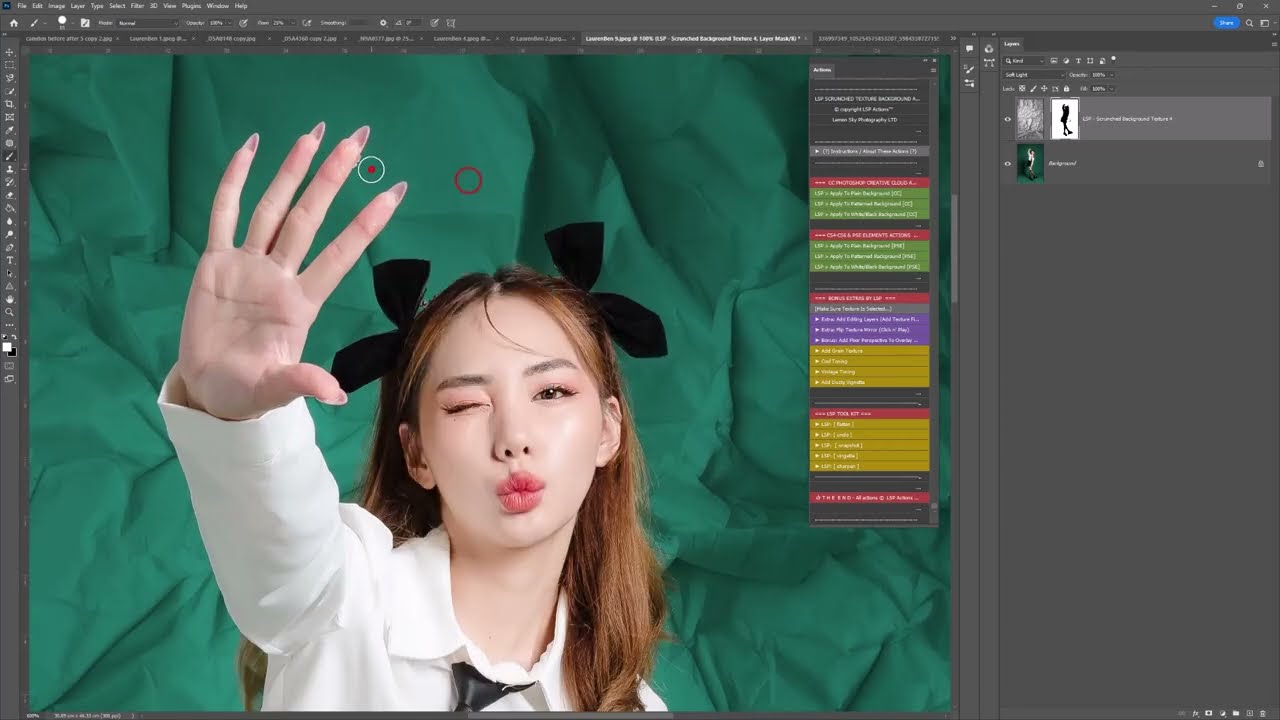
Video Tutorial - Complete start-to-finish tutorial including how to install, unzip and use the actions and scrunched texture overlays to quickly and easily create a crumpled background

Photoshop Texture Applicator Actions For the Floral Textures 

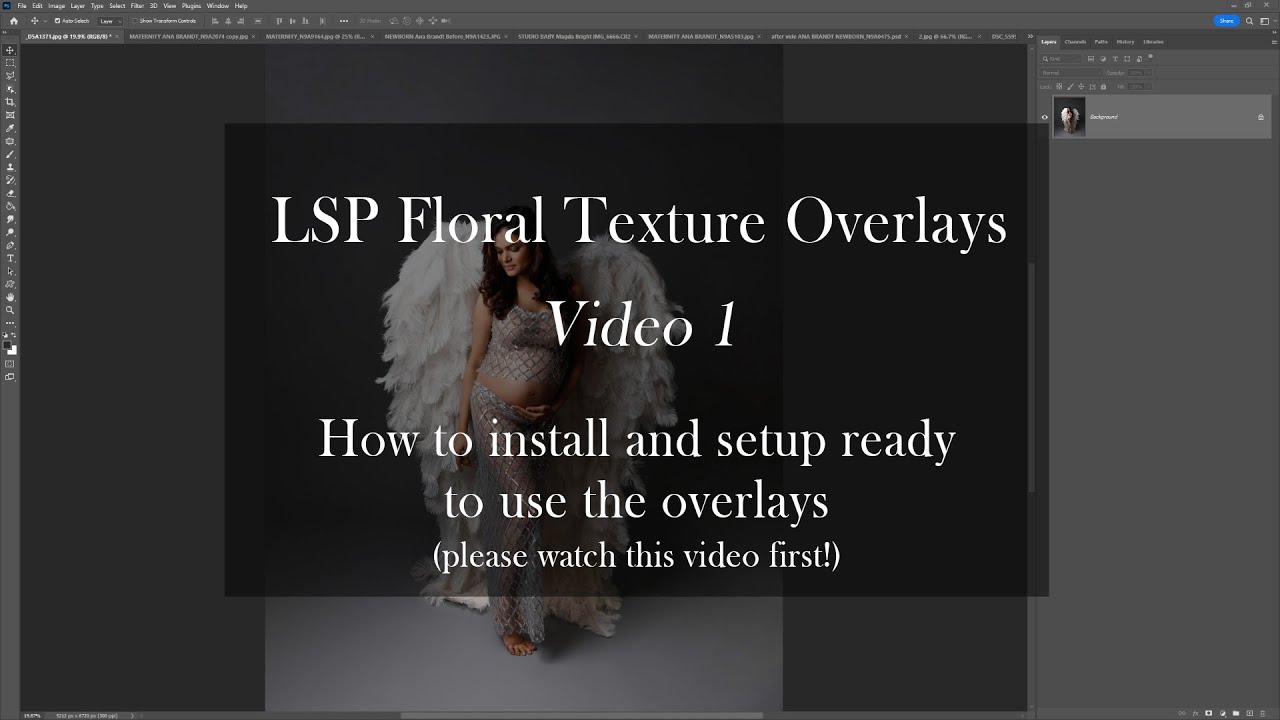
How to install and setup for easy running [05:02]

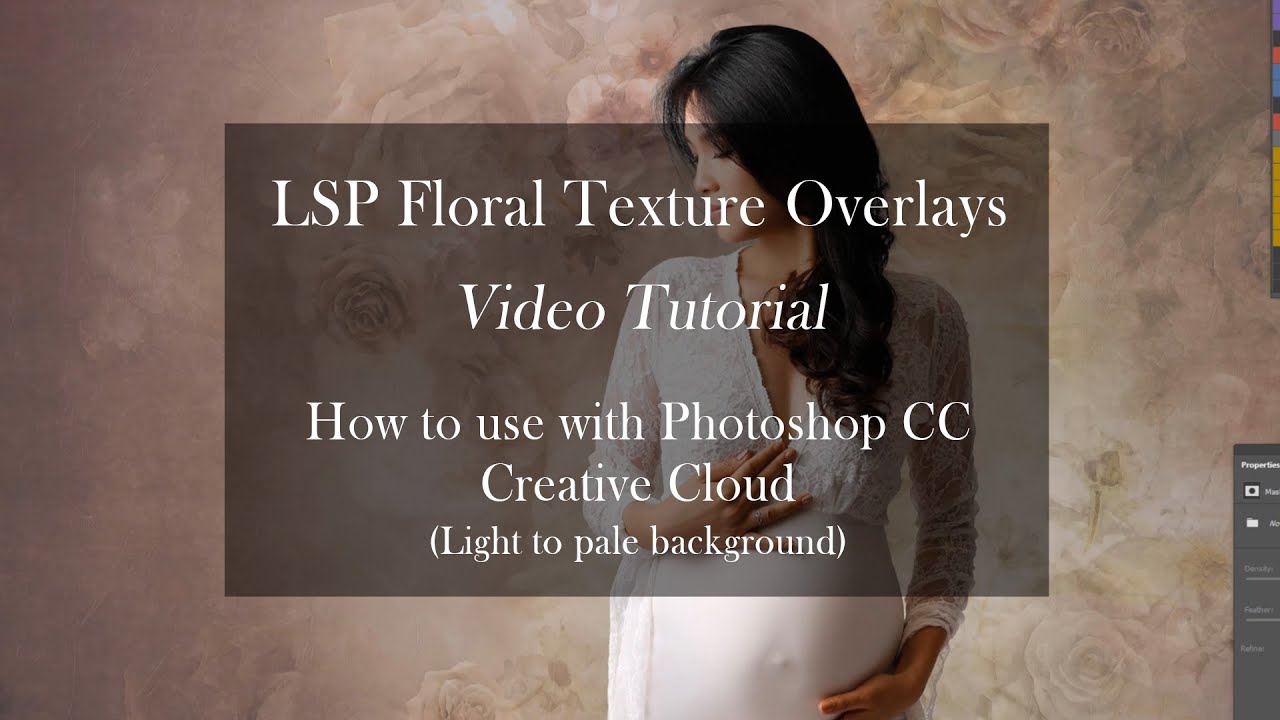
How to use the Floral Texture Overlays light pale background

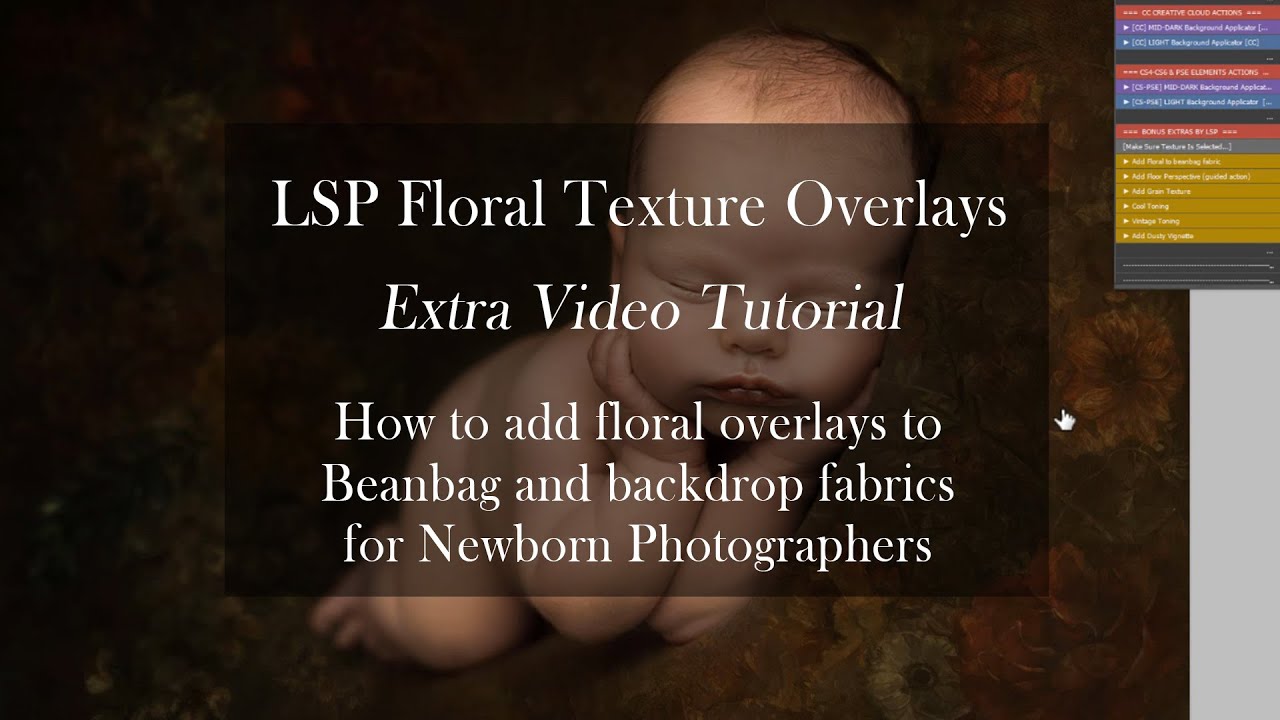
How to add the Floral Texture Overlays to newborn beanbag fabric 

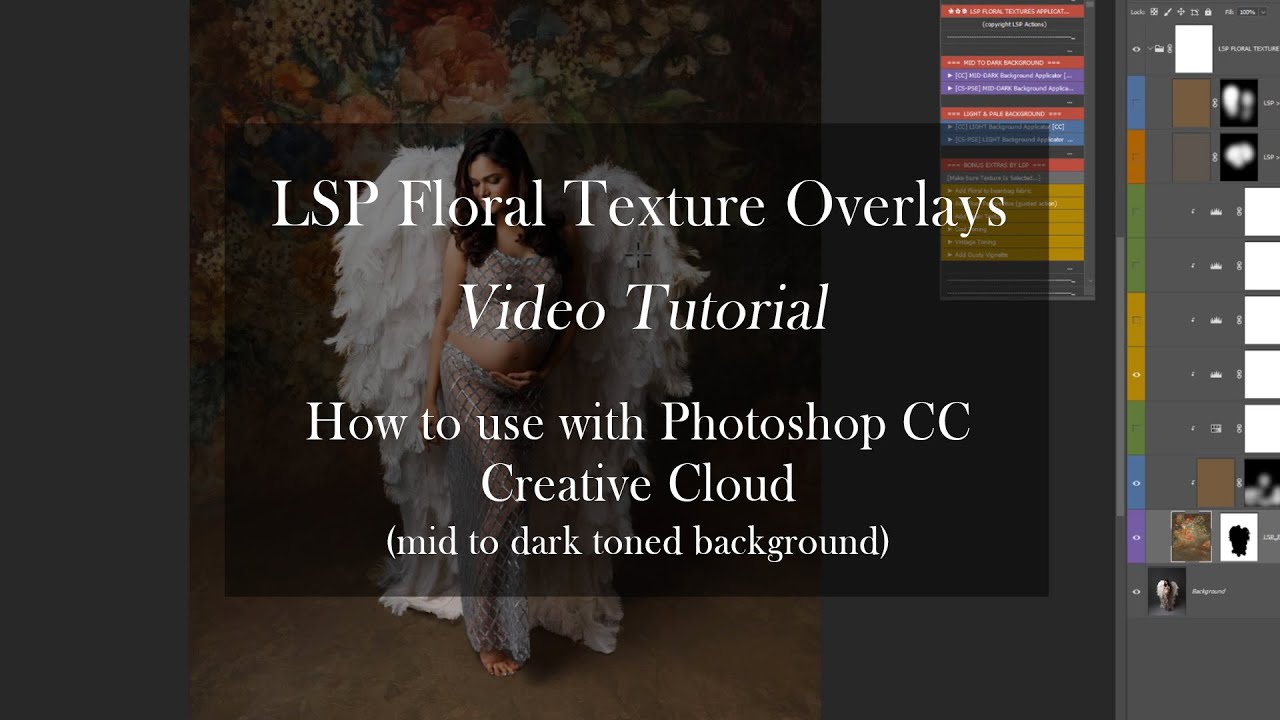
How to use the Floral Texture Overlays mid to dark background.

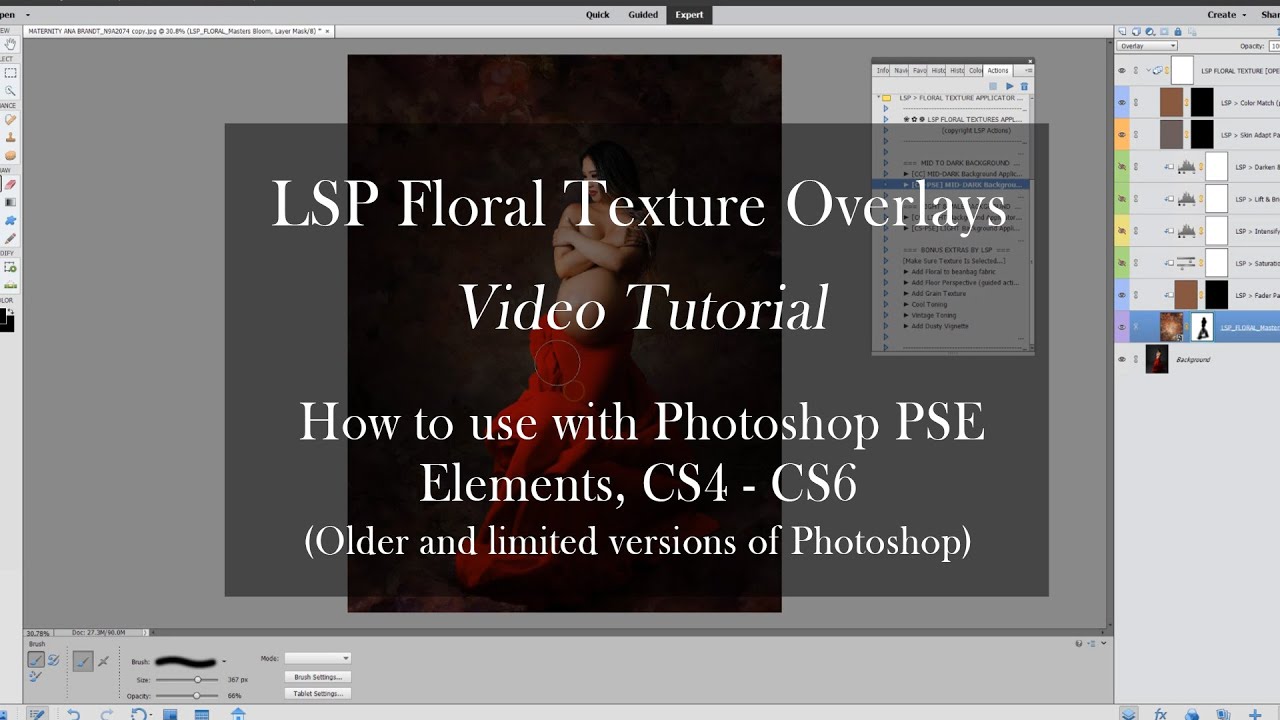
How to add floral textures in PSE Elements CS4 CS5 and CS6

Photoshop Applicator Actions for the High Key Floral Illustrative

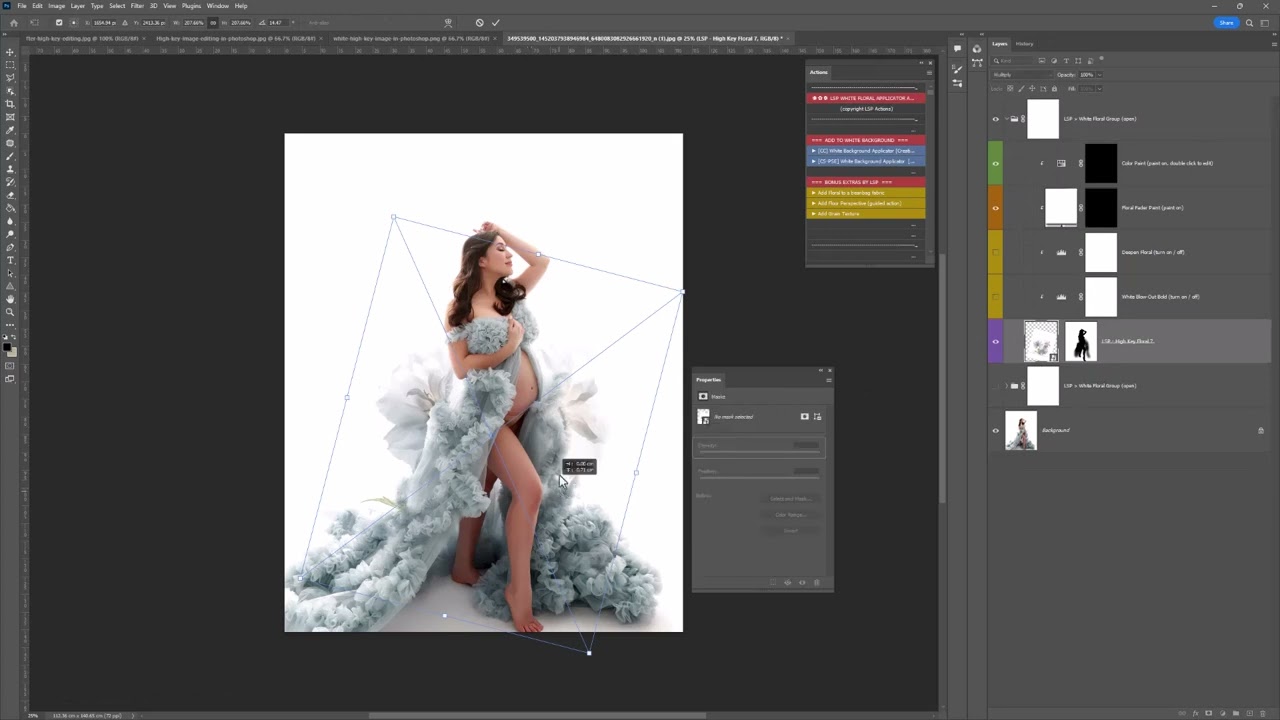
Video Tutorial  - How to use the LSP Illustrative Floral Overlays for whites

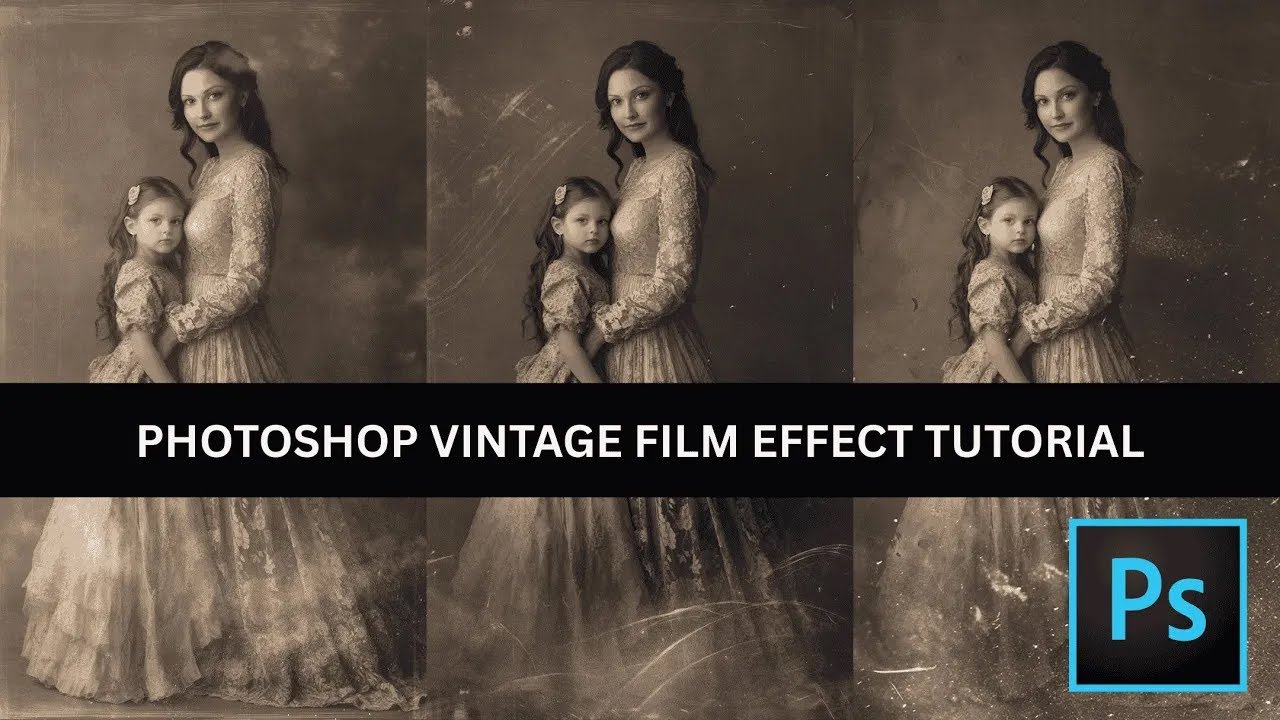
How to apply Wet plate / Film Overlays by hand

Video Tutorial  - Apply old vintage film Collodion effects in Photoshop

[silent tutorial]

Get the complete texture vault pro bundle

Download to get instant access to all our best-selling textures PLUS 300+ exclusives included
  • 650 TEXTURES INSIDE

  • BONUS PHOTOSHOP ACTIONS

  • TUTORIALS INCLUDED

  • 14 DAY 100% MONEY BACK GUARANTEE


£1,211.00£181.00 (85% OFF TODAY!)
  • 100% 14 Day Satisfaction Guarantee


Video

The complete texture vault pro bundle

Transform every image into gallery-worthy fine art portraiture

The definitive fine art texture collection for professional photographers who demand excellence in every image! Get instant access to 650 fine-art Textures in our largest bundle ever for a limited time only

Old Masters Style • Floral Fine-Art • Whites • Grunge • Bold • Abstract • High Key • Victorian • Paper • Stone • Old Film Scratch • Stone Archways • Toners • Renaissance Fresco... and so many more! Loved by over 9,495 photographers.

300dpi | 6000x4000  | High Resolution | Suits all images | Huge Variety of Styles Included

£47.00
  • 100% 14 Day Satisfaction Guarantee

00
00
00

AS SEEN IN