

Holiday Glow Lightroom Presets Collection
Video Tutorial Library
Hello, welcome to the video tutorials for the LSP Holiday Glow Lightroom & ACR Preset Pack
GLOW BRUSH MASK NOTE: In newer versions of Lightroom, your bonus Glow Brush is included in the presets as a mask. Just click it and paint! In older versions of Lightroom, you can load this in as a separate brush as shown in the other tutorials. Please watch OVERVIEW tutorial to see how to use the glow mask in recent updates of Lightroom 2025+
OVERVIEW (silent with subtitles)
A fast start-to-finish overview for those who want to dive in fast. Demos the GLOW BRUSH MASK as an AI preset:
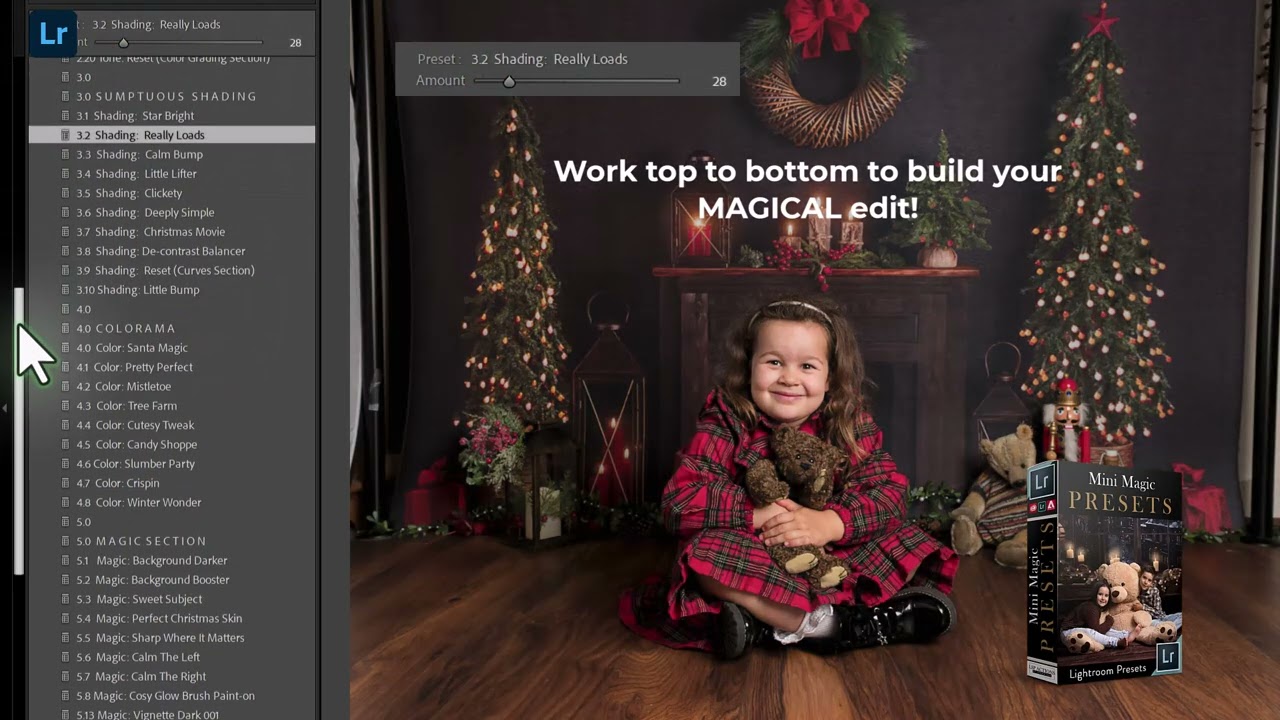
[Image Credit: Libby Edwards Photography]
Using the Holiday Glow (Christmas Mini Magic) Lightroom Presets & Manual Glow Brush (step-by-step)
*TIP - slide the Preset bar after application for intensity
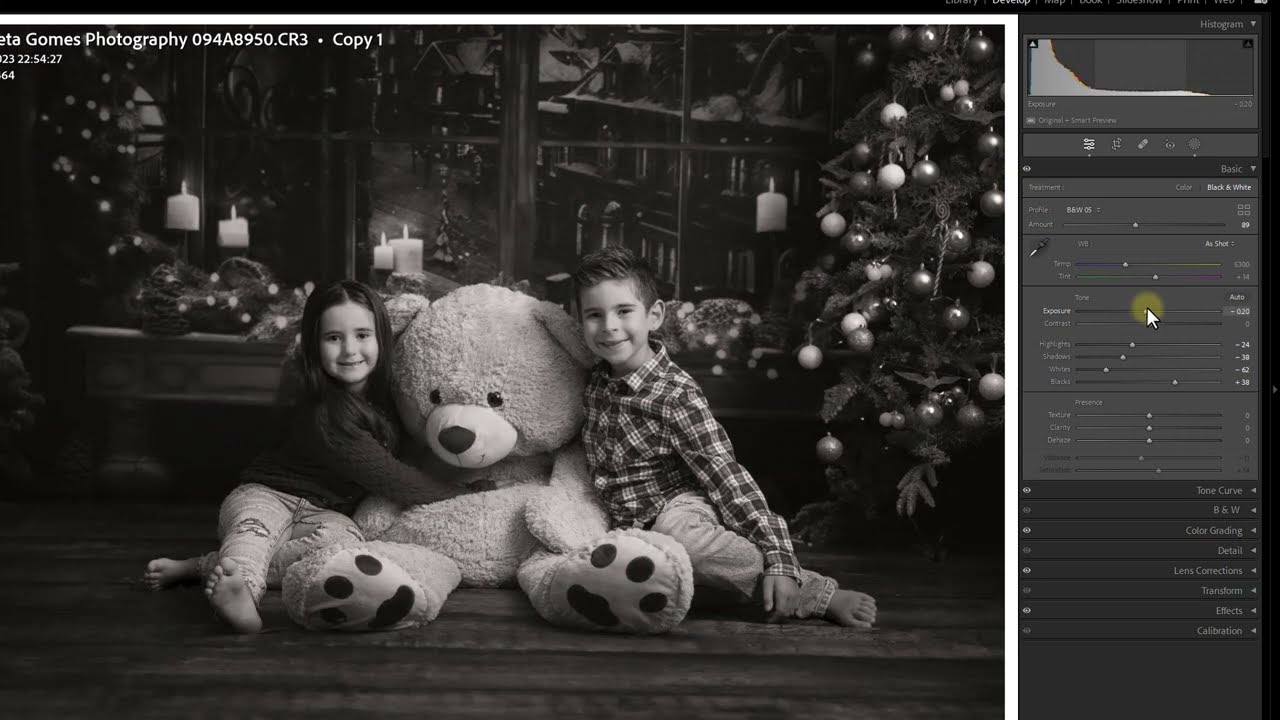
[Image Credit: Libby Edwards Photography]
How to install the Lightroom Glow Brush MANUALLY IF REQUIRED
The glow brush is also included as a preset in the "MAGIC" section. BUT if you'd like to install the brush separately: Go to Lightroom > Preferences > Presets > Show all Other Lightroom Presets | Then on the folder click Lightroom: Local Adjustment Presets
*NOTE* no need to do this in version 2025+
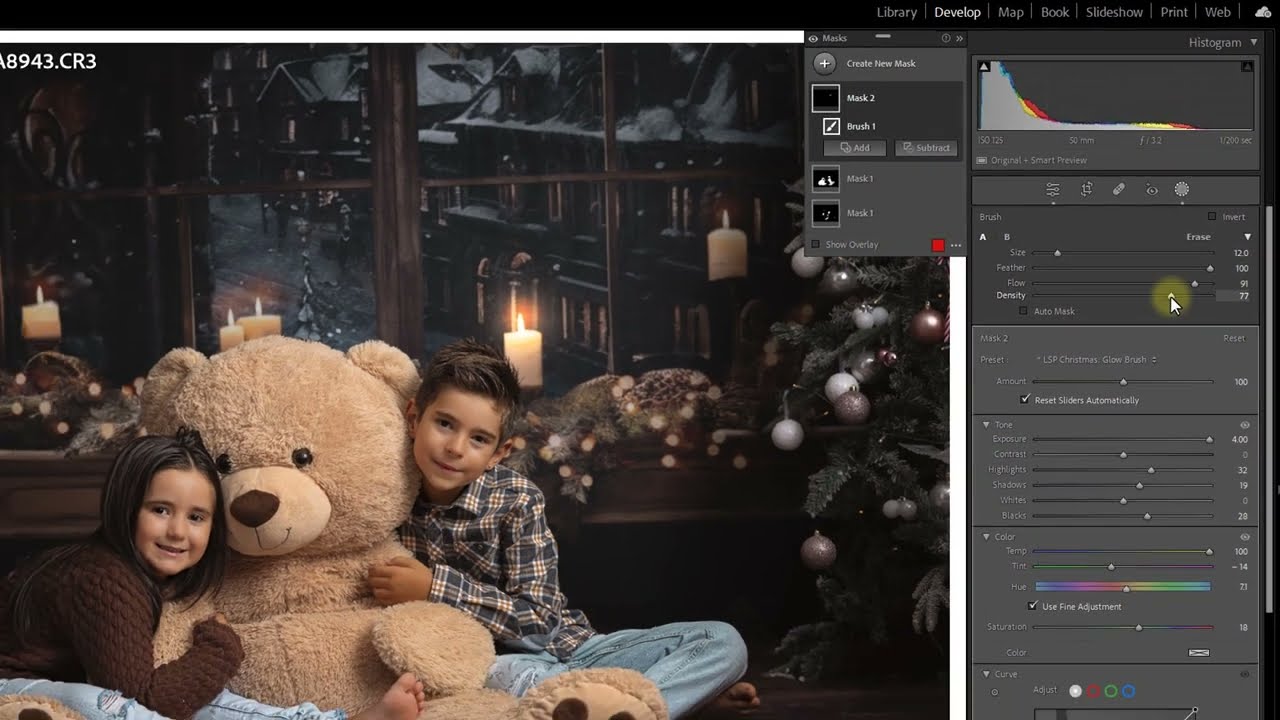
[Image Credit: Henrieta Gomes Photography]
Using Presets and Brushes into ACR
You can follow the paths below this video to install the brush, you need to go into your folders to copy/paste the brush.
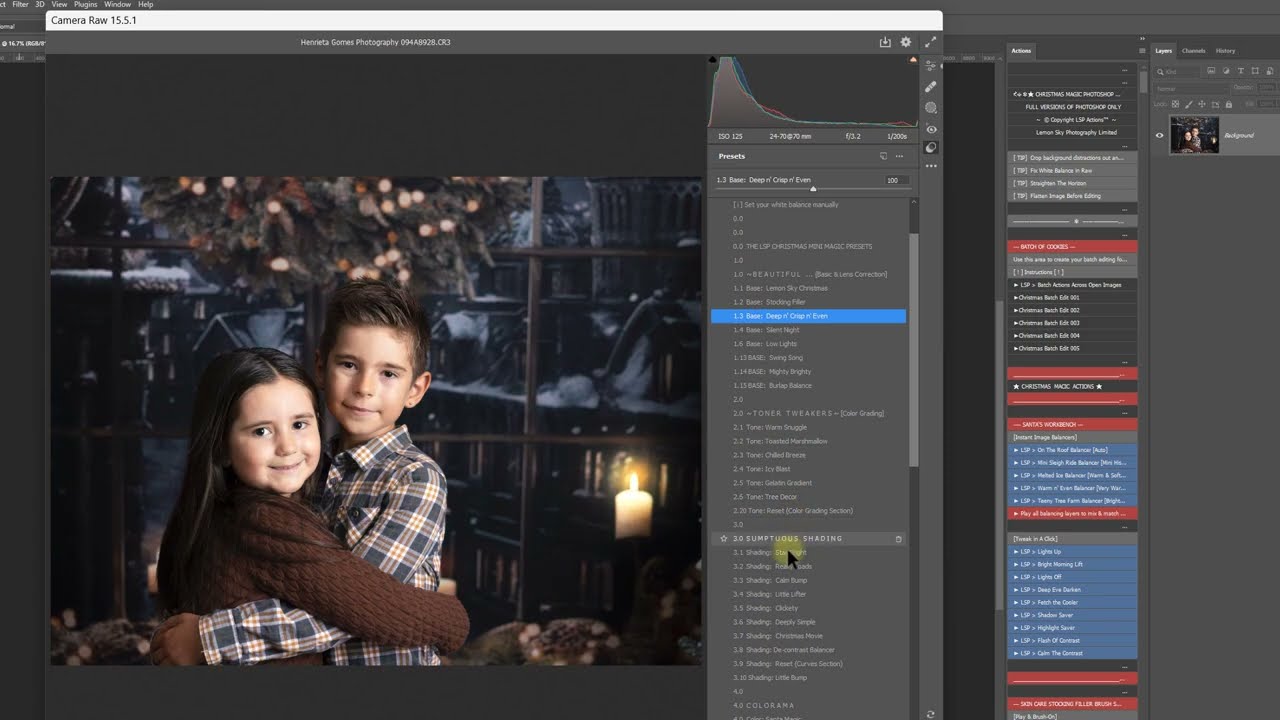
[Image Credit: Henrieta Gomes Photography]
WINDOWS: Users\(user)\AppData\Roaming\Adobe\CameraRaw\LocalCorrections
MAC: (user)/Library/Application Support/Adobe/Camera Raw/Local Corrections